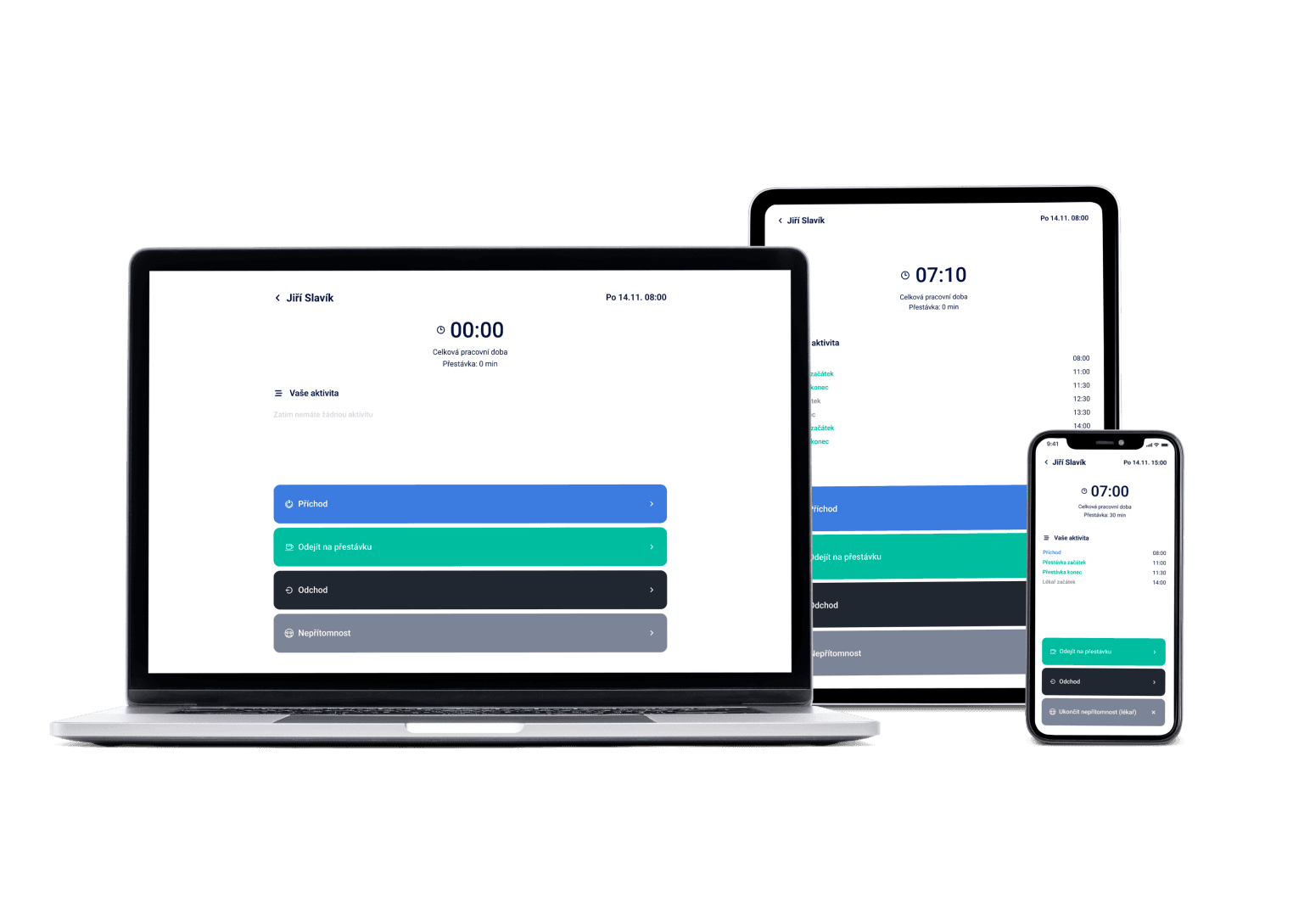
With Dayswaps your schedule is done in no time — even with part-timers who only work now and then. It watches labor law, attendance and payroll data for you, all in one app your whole team carries in their pocket.
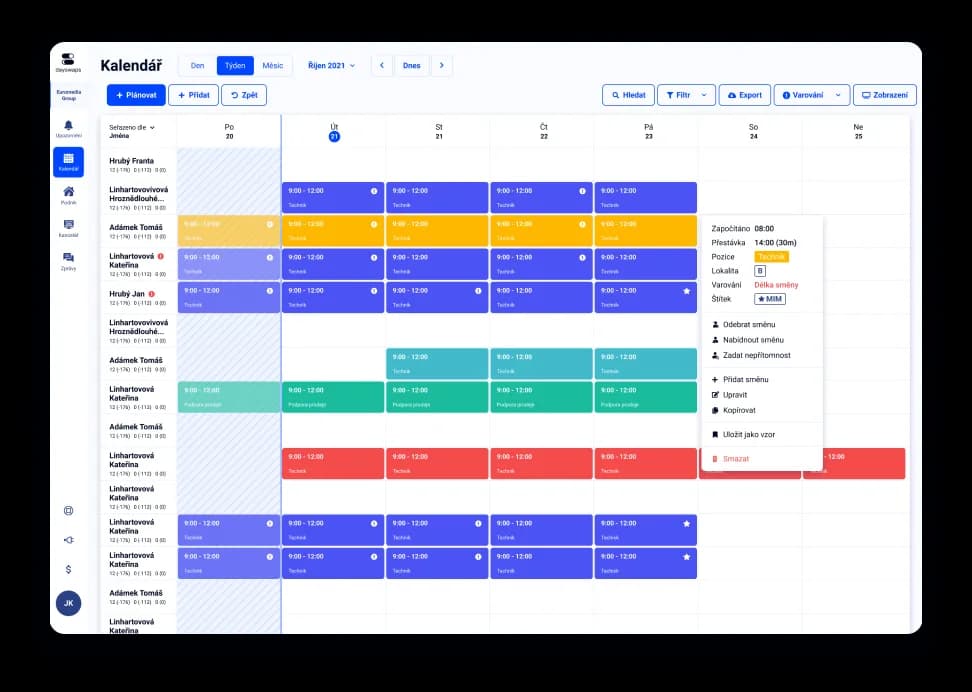
We've got a plan for your shifts! Just like for 100+ other companies








Set it up yourself, no IT department needed
You can set up Dayswaps in a few minutes. If you'd like help importing your data, we'll do it for you.
Handles part-timers who only work now and then
Employees and part-timers enter when they can work — you plan knowing it'll actually work out.
You manage your own user count
You pay for as many users as you have set up. Add them any time in a busy season, and when someone leaves, lower the count — from then on you stop paying for them.
Dayswaps is an app for shift scheduling, attendance and time off, sized for smaller operations with 5-300 employees — from cafés to manufacturing. It handles part-timers who only work now and then too.
You set it up yourself in a few minutes, with no IT department and no long implementation. Scheduling, attendance and payroll data all live in one app, priced to make sense for a smaller operation.
AI + Human
“Move Petr's shift tomorrow by an hour and add a note.” The assistant changes the time, the position, overtime and the note straight in the schedule. A smaller operation has nobody to learn where everything is set — and does not need one.
From the Complete plan up you can also ask for a custom report to download — “How many weekend hours did each employee work last quarter?” — and the file arrives right in the reply.
The AI Assistant is part of every plan.
See everything the AI Assistant can do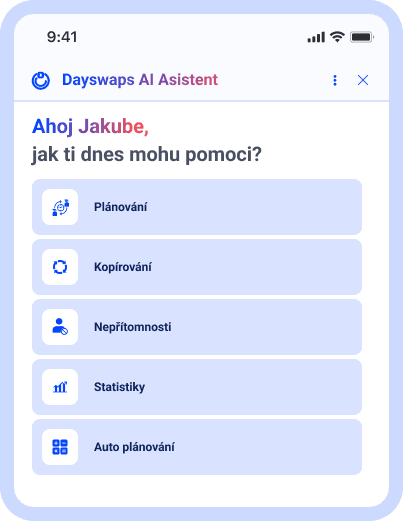
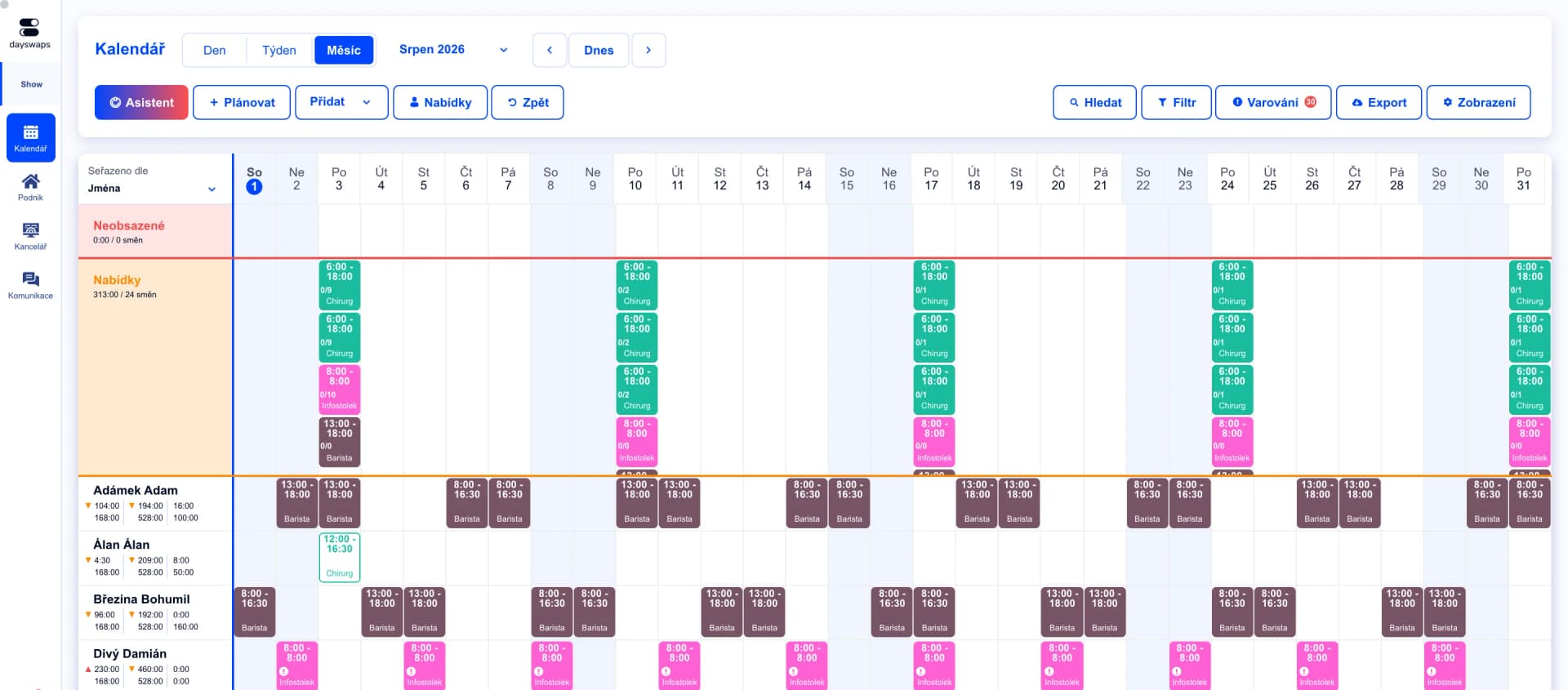
Everything in one place
Employees, availability, absences and attendance all live in one clear place — no more spreadsheet chaos.
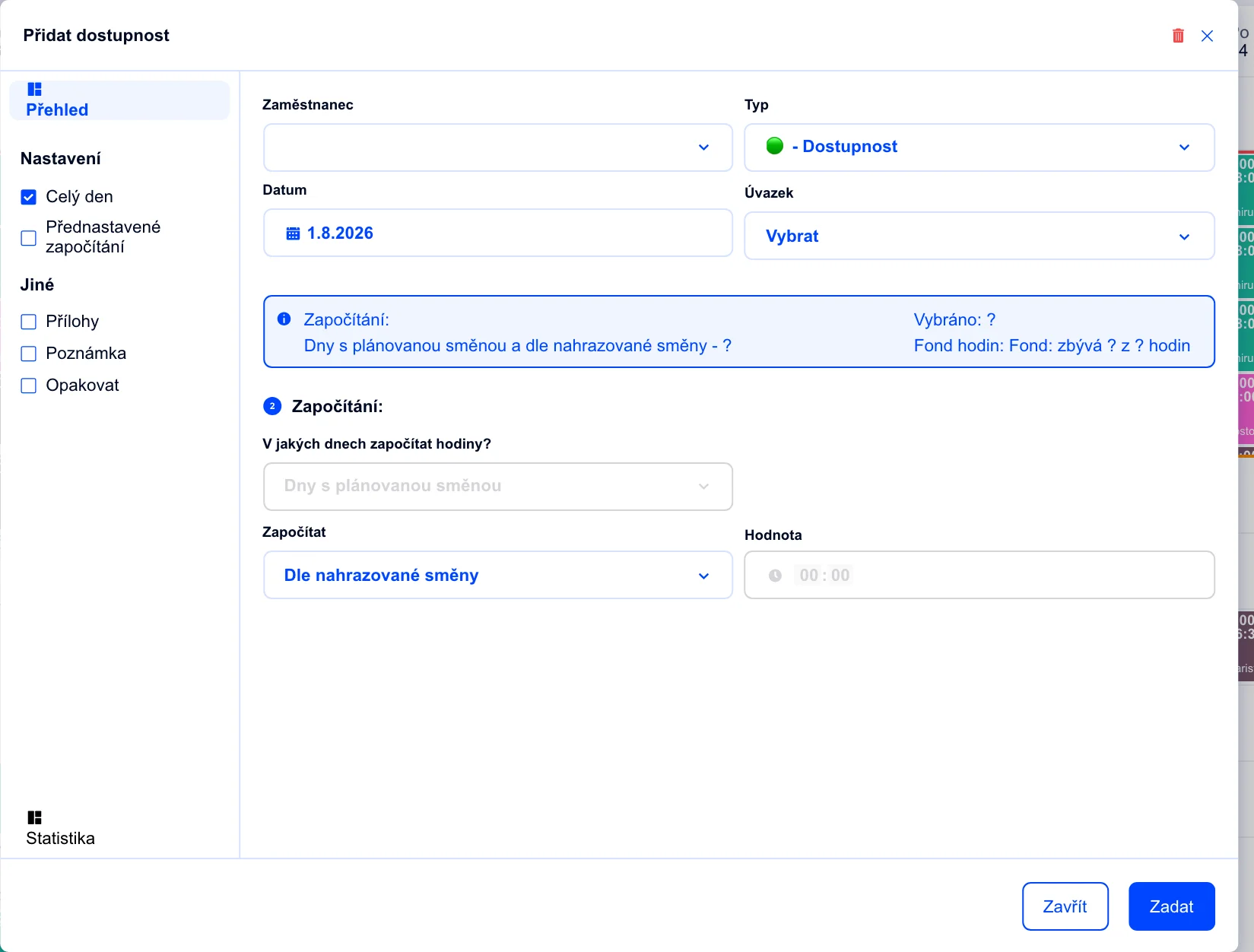
Part-timers who only work now and then
Employees and part-timers enter when they can work — you plan knowing it'll actually work out.
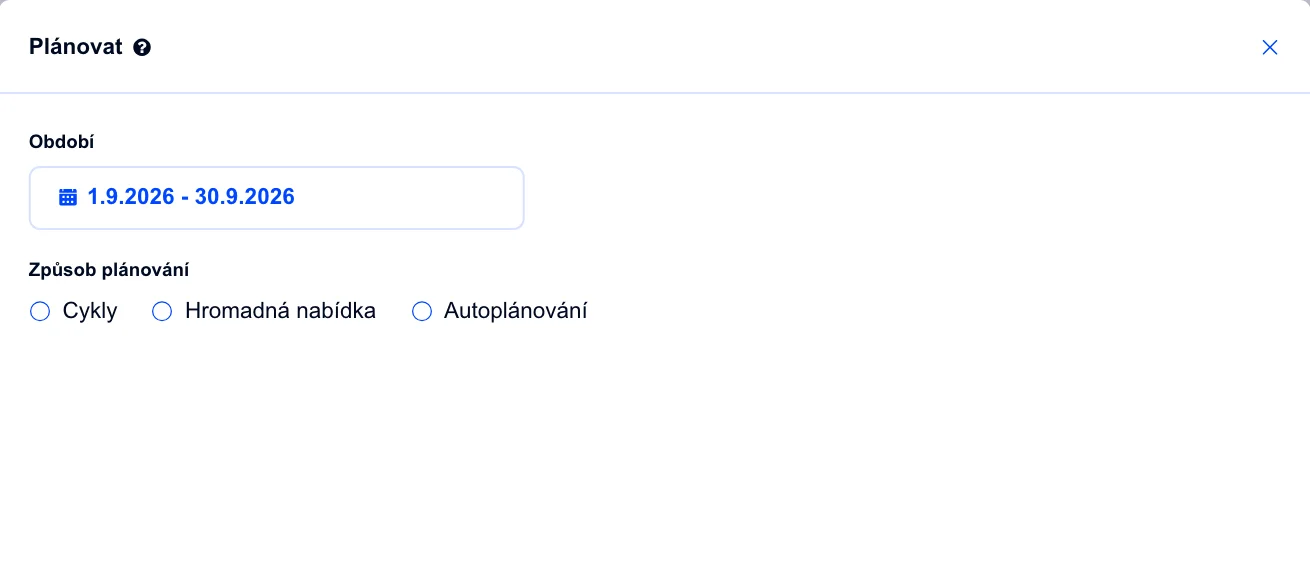
A schedule done in minutes
Create and publish a schedule in no time, always with the right number of people on shift.
"Thanks to Dayswaps, I always have an overview of whether everyone complies with labor law and I don't need an accountant on hand at all times."
Simona
Moje Hygge
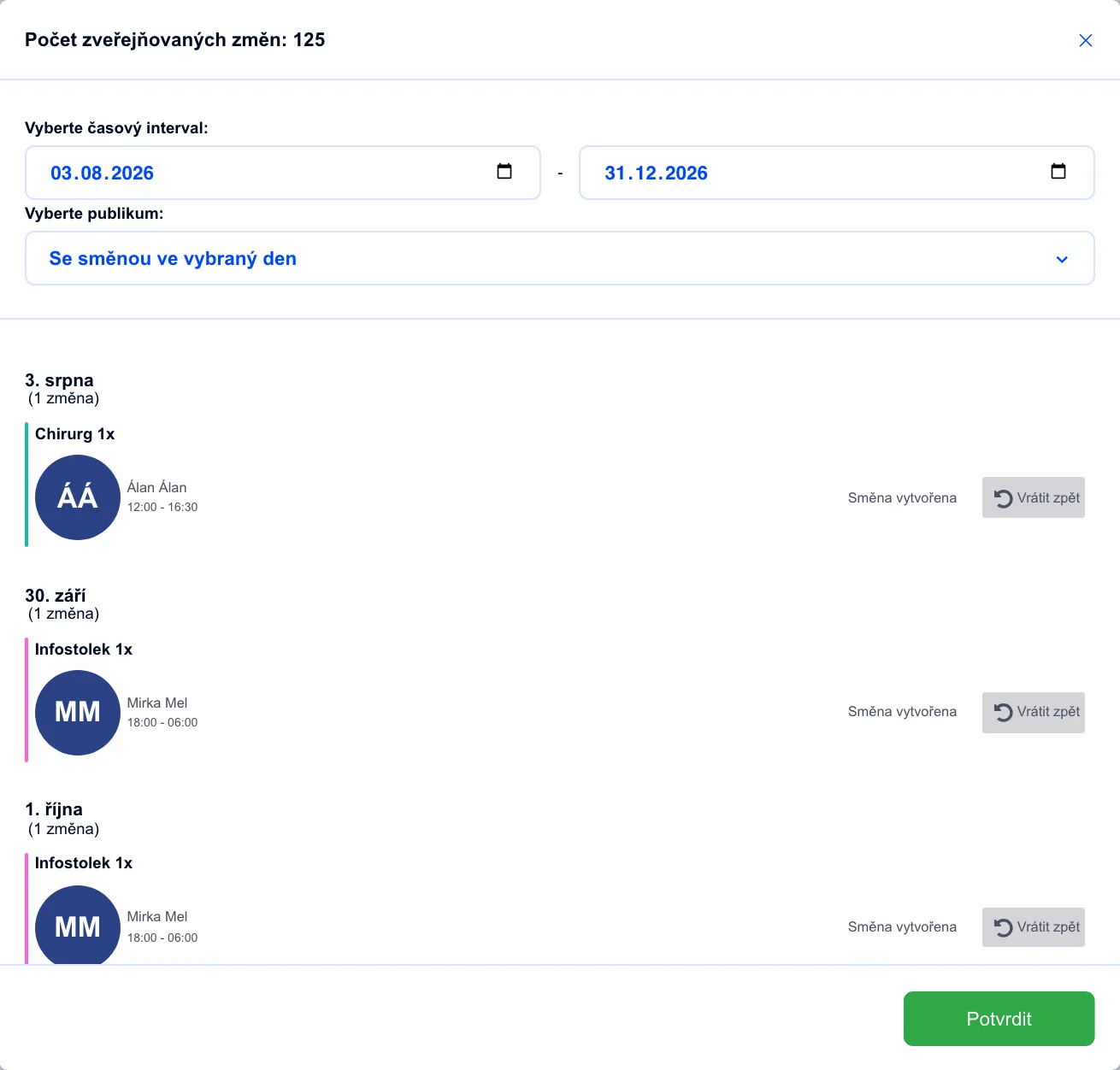
Handle changes from anywhere
Approve time-off requests and shift swaps instantly, right from your phone. Find a replacement for illness right away.
Payroll-ready data in one click
Approve attendance and export finished payroll data straight to your payroll system in one click.
Dayswaps works for teams from a handful of people up to hundreds of employees across branches. For smaller and medium operations, it's built so you can set it up yourself, without IT help.
Yes. Part-timers enter when they can work, and you schedule around it knowing it'll actually work out.
No. You can set up Dayswaps yourself in a few minutes — if you'd like help importing your data, we're happy to do it for you.
See our pricing page — you pay for as many users as you have set up, with no hidden fees. The first 14 days are free.
Yes. Even a small chain of branches can be scheduled from a single account, and you can share employees between locations.
Join more than 100 companies that plan their shifts with Dayswaps.
Free for 14 days, no credit card required.