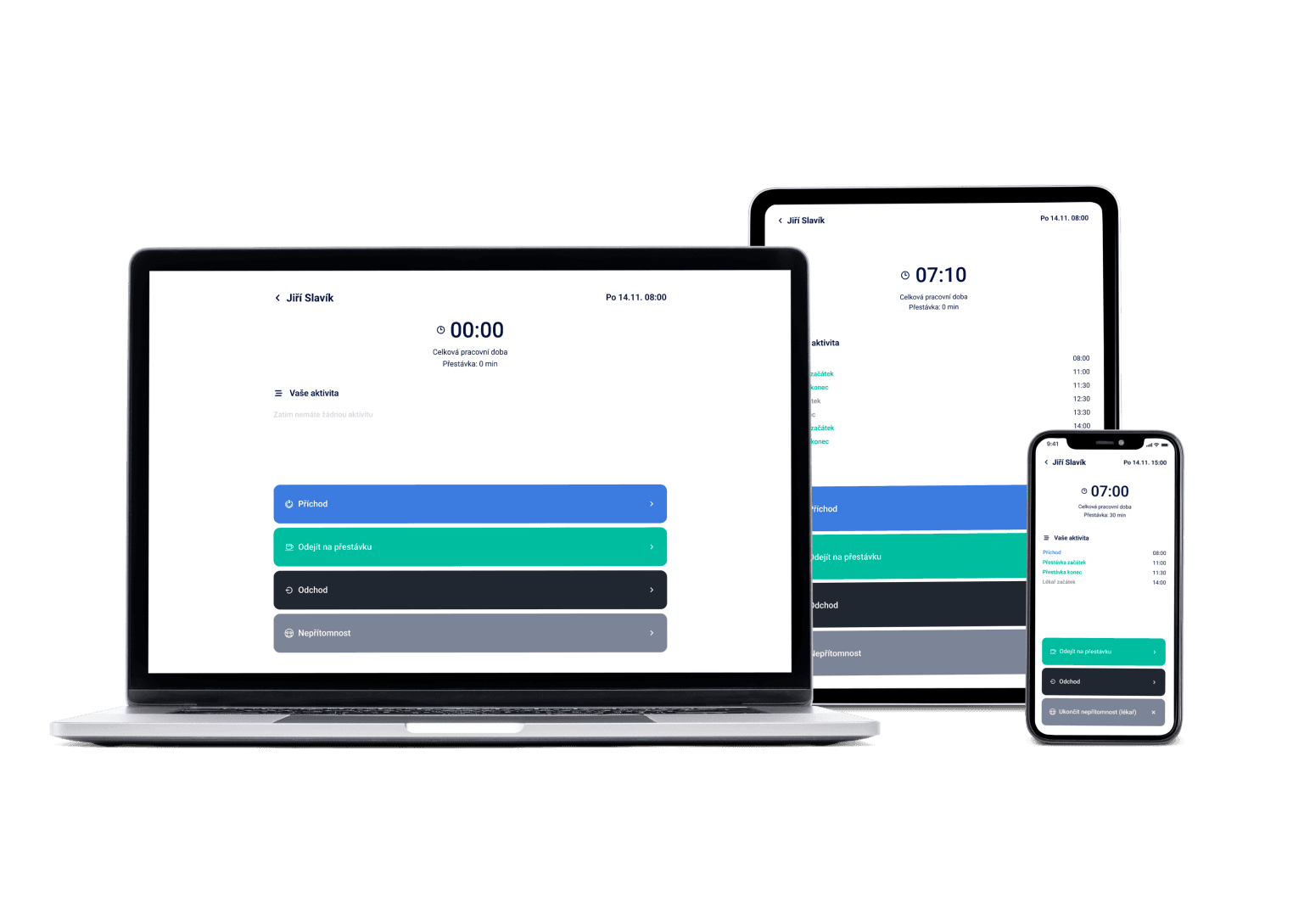
For organizations with 300+ employees and multiple locations — one place for scheduling, attendance and payroll data, with labor law watched in the background.
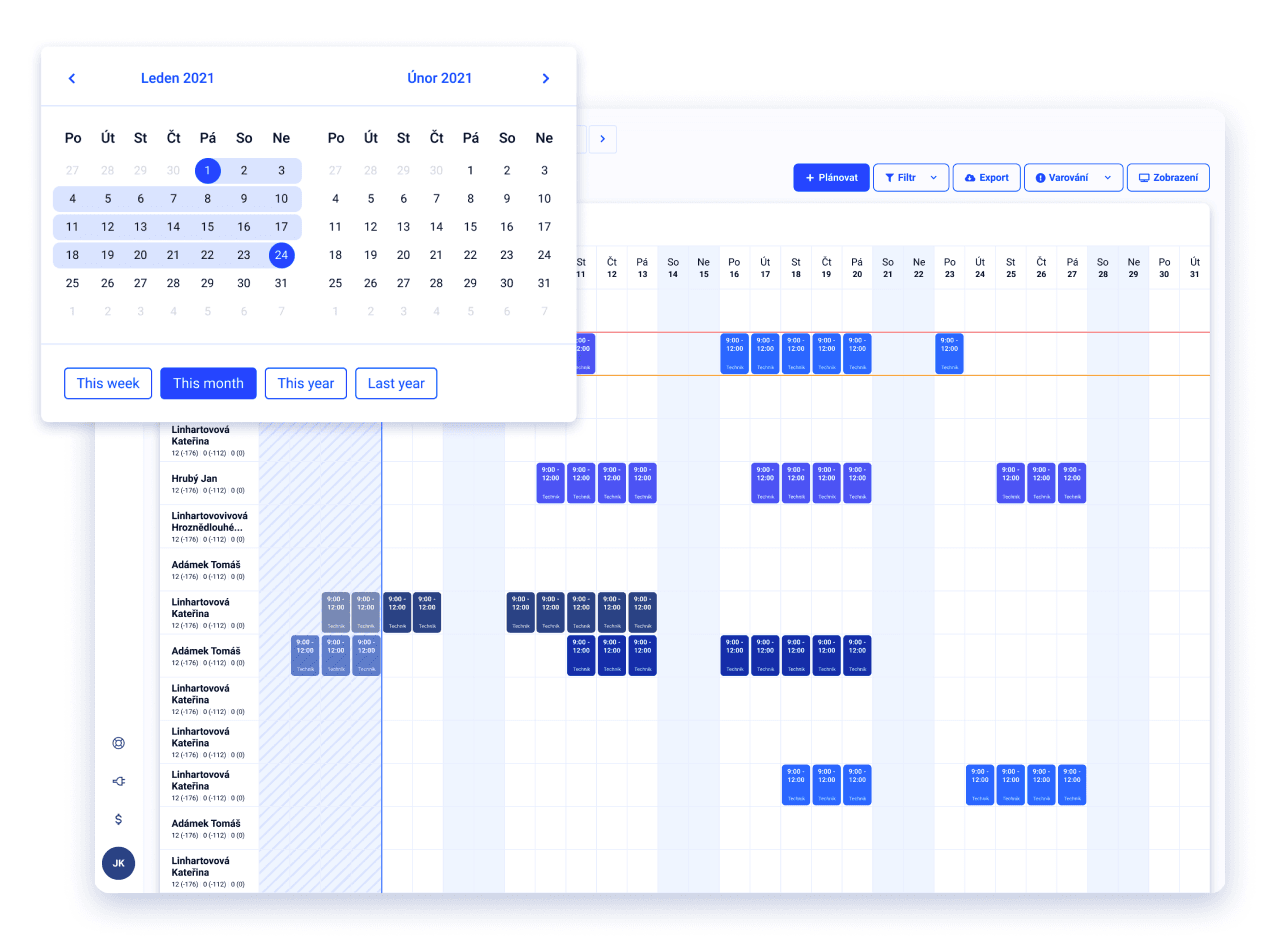
We've got a plan for your shifts! Just like for 100+ other companies






One central view across every branch
Every branch has its own schedule, you can share employees between locations, and the overall view stays in one place.
Tailored rollout, with dedicated support
We set up the system to match your operation and walk you through the whole implementation — you're not on your own.
Labor law watched for every team
The check runs automatically during scheduling and while processing attendance for payroll, across the whole organization.
It's Dayswaps set up for large organizations with 300+ employees and multiple locations — a central view over scheduling, attendance and payroll data across the whole company, with dedicated implementation and support.
We recommend it from roughly 300 employees or multiple branches, where you need central oversight and control across the whole company, not just one location.
AI + Human
“What are the planner settings for the Ostrava site?” The assistant knows the workspace context — positions, shift templates, absence categories, time zone and the reference period. Across dozens of sites, nobody remembers where the differences are.
From the Complete plan up you can also ask for a custom report to download — “How many weekend hours did each employee work last quarter?” — and the file arrives right in the reply.
The AI Assistant is part of every plan.
See everything the AI Assistant can do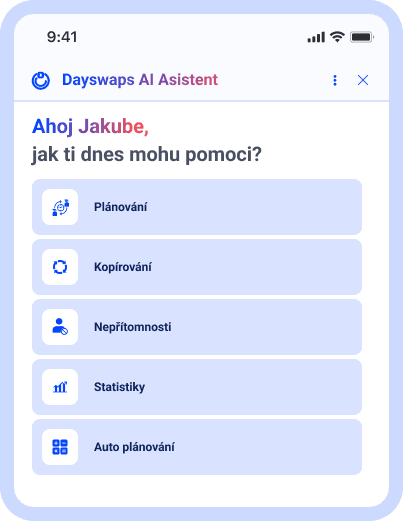
Cut unnecessary costs
Schedule employees precisely according to your revenue plan, reality on the ground, or unexpected events.
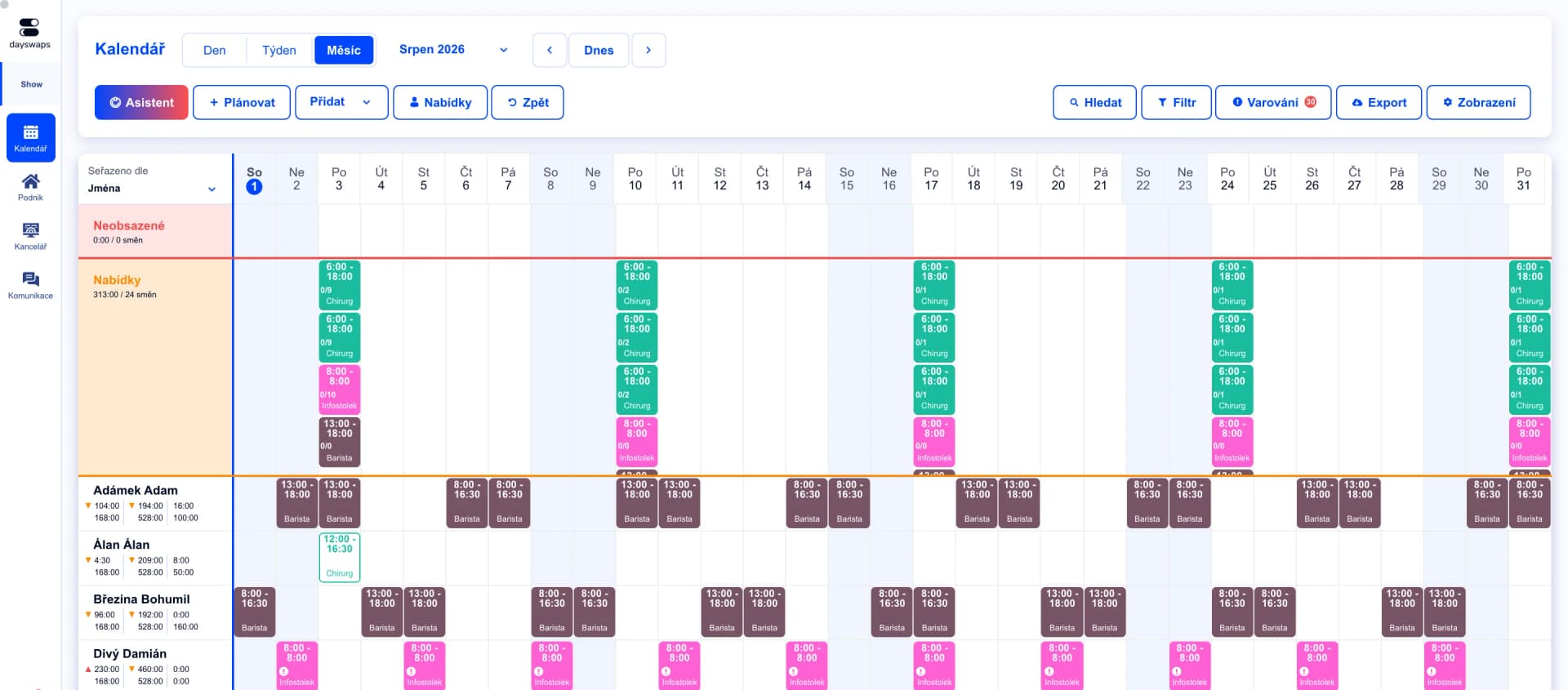
Schedule the whole company in minutes
Build a schedule across branches and departments while staying within budget.
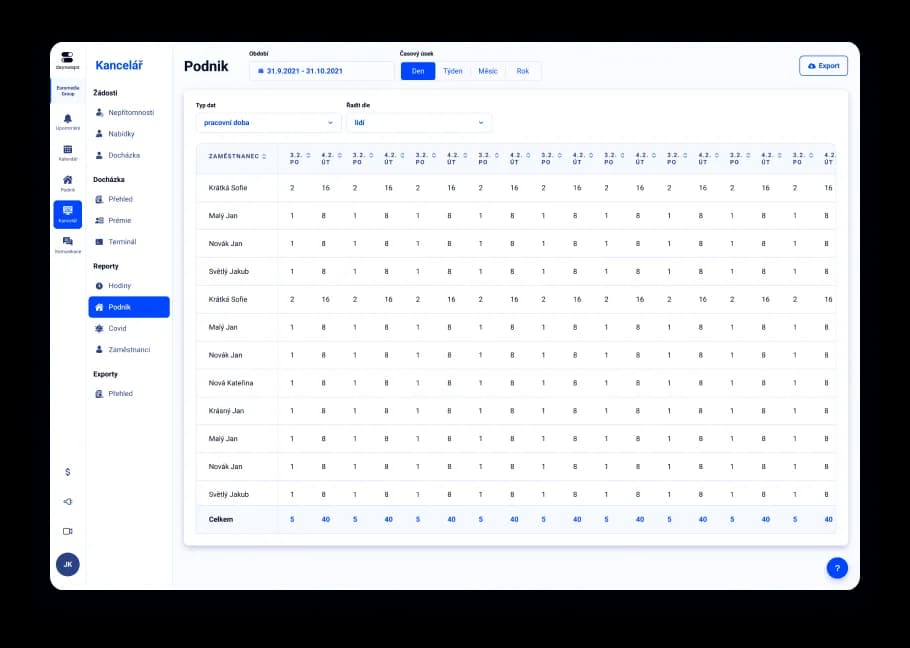
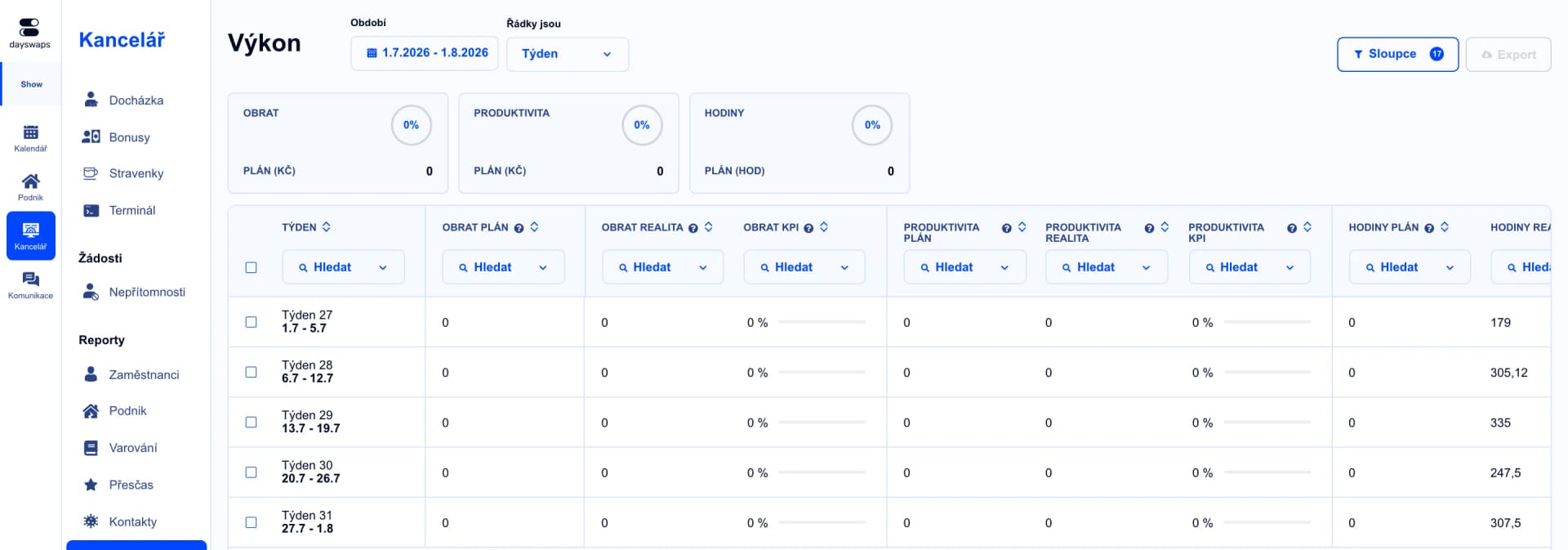
All your data in one place
Track and report on costs, bonuses and inter-branch transfers from anywhere.
"Great work. Dayswaps is exactly what I needed to get rid of complicated Excel and simplify not only shift planning but also communication with employees at our company."
Jakub Hrda
Hello Bank

Tailored rollout, with support
We set up the system to match your operation and walk you through the whole implementation.
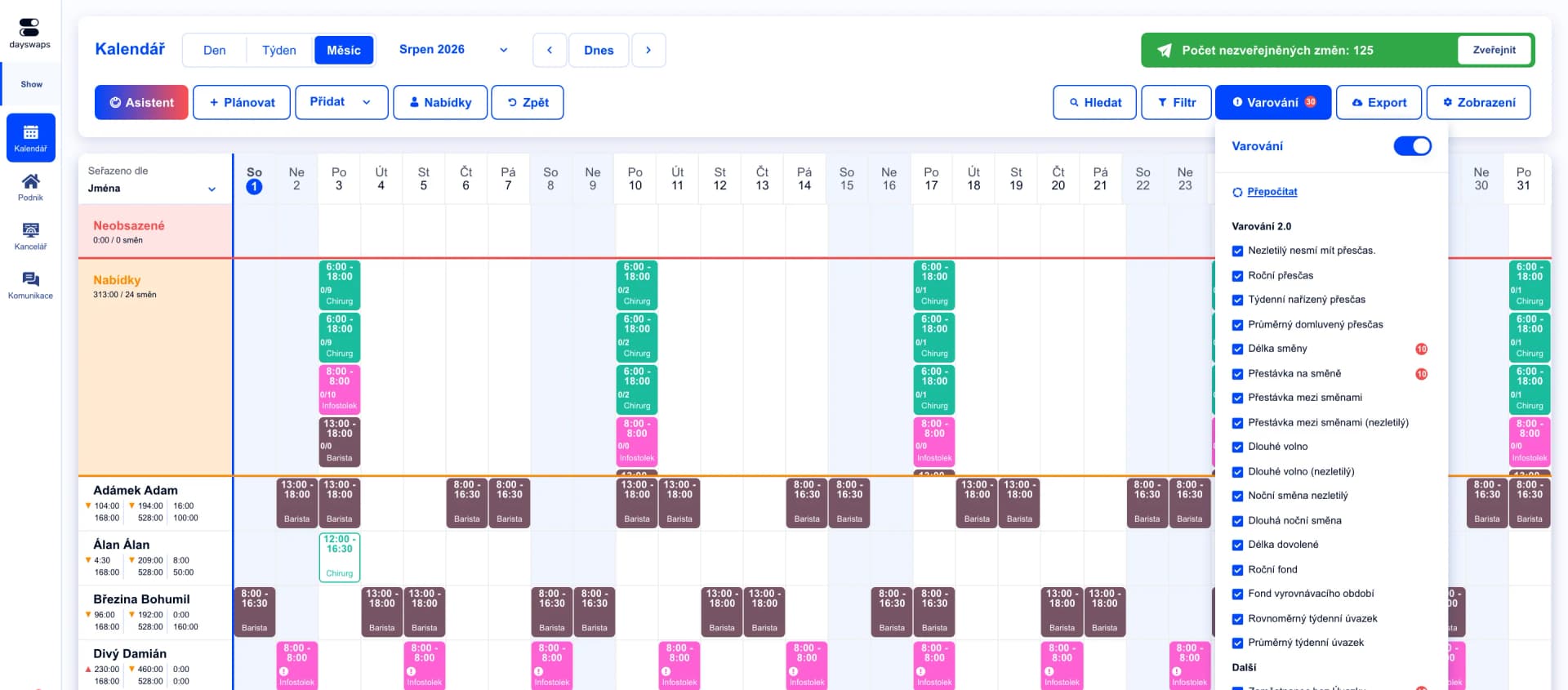
Confidence in labor law compliance
Dayswaps watches legal limits during scheduling and while processing attendance for payroll.
We recommend it from roughly 300 employees or multiple branches, where you need central oversight across the whole company.
Yes, every branch has its own schedule, you can share employees between locations, and the overall view stays in one place.
Yes, an enterprise rollout comes with dedicated support and consultants who tailor the system to your operation.
Dayswaps PRO is an add-on for managing performance and finance across branches — KPIs, costs, bonuses and transfers in one place. It's part of the enterprise offering for organizations that need this level of visibility.
The check runs automatically during scheduling and while processing attendance — we flag every violation, for every shift and employee, before it becomes a problem.
Join more than 100 companies that plan their shifts with Dayswaps.
Free for 14 days, no credit card required.