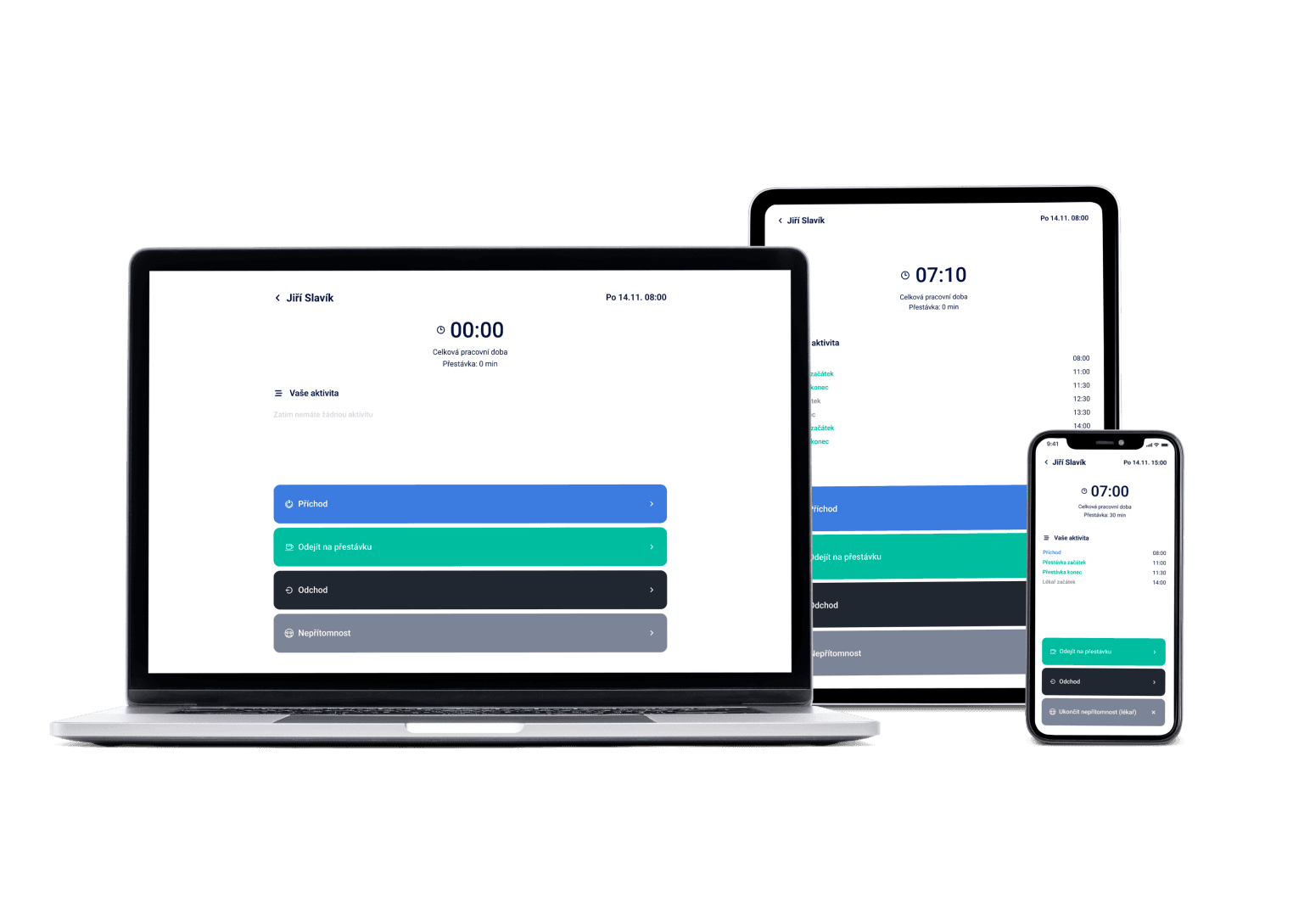
Shift fell through? Offer it to the whole team in one click and instantly see who takes it. Colleagues handle swaps themselves on their phones — and when you're short-staffed, branches help each other out.
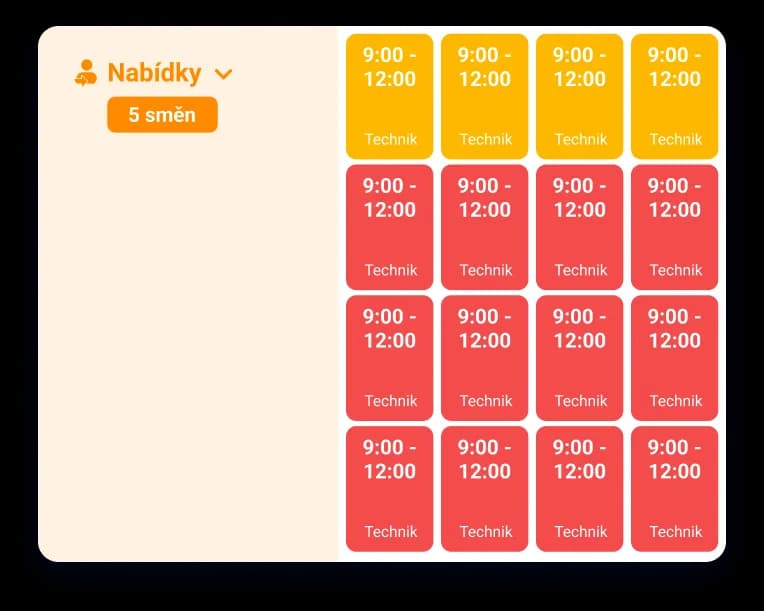
We've got a plan for your shifts! Just like for 100+ other companies








Borrow a colleague from another branch — the system bills it for you
When one branch is short-staffed and another has spare hands, send an employee to help out. Dayswaps tracks the bonus and who lent whom to whom.
Fill an open shift exactly how you want
Post an open shift as a first-come-first-served race, or hand-pick who gets it yourself. The decision is always yours.
Swaps and approvals stay under the manager's control
Employees arrange shift swaps on their phones, and you get the request to approve. Nothing changes until you confirm it.
A shift marketplace is where a manager posts open shifts and employees claim them. In Dayswaps you decide whether the first to respond gets the shift, or you pick from the applicants yourself — with a named list of responses always at hand.
You offer an open shift to selected people or the whole team, and employees get a push notification on their phones. It works across branches too: colleagues from another location can help out, the system calculates cross-branch bonuses, and the loan overview stays in one place.
AI + Human
“Approve the result of the contest for Saturday's shift.” When several people claim an open shift, you confirm or reject the outcome in one sentence. No tracking down which offer it happened in.
From the Complete plan up you can also ask for a custom report to download — “How many weekend hours did each employee work last quarter?” — and the file arrives right in the reply.
The AI Assistant is part of every plan.
See everything the AI Assistant can do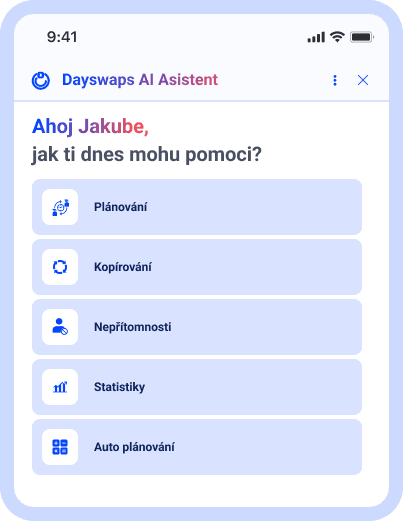
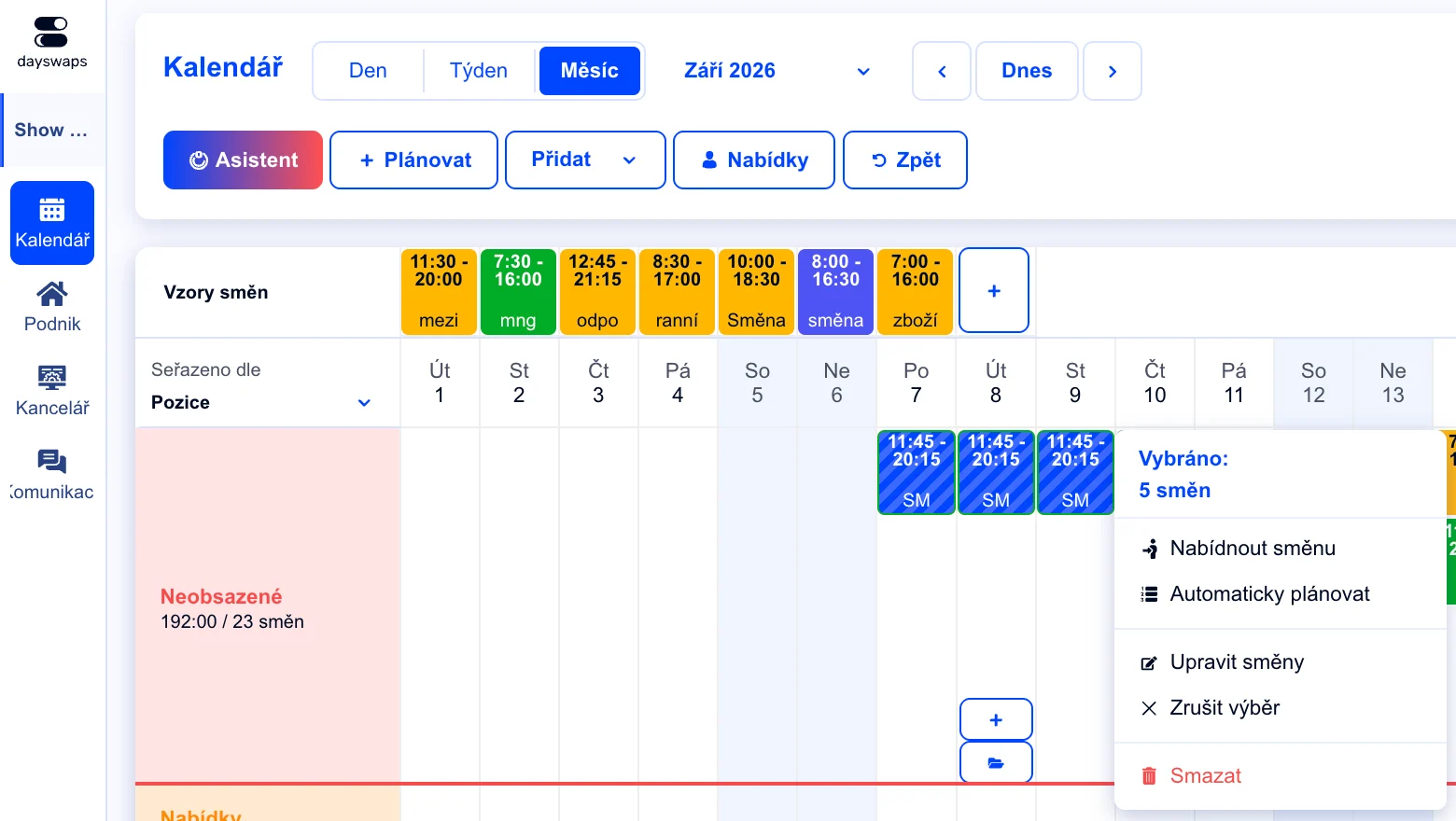
Offer an open shift to the whole team
Post an open shift and let employees sign up — either first-come-first-served, or you pick yourself.
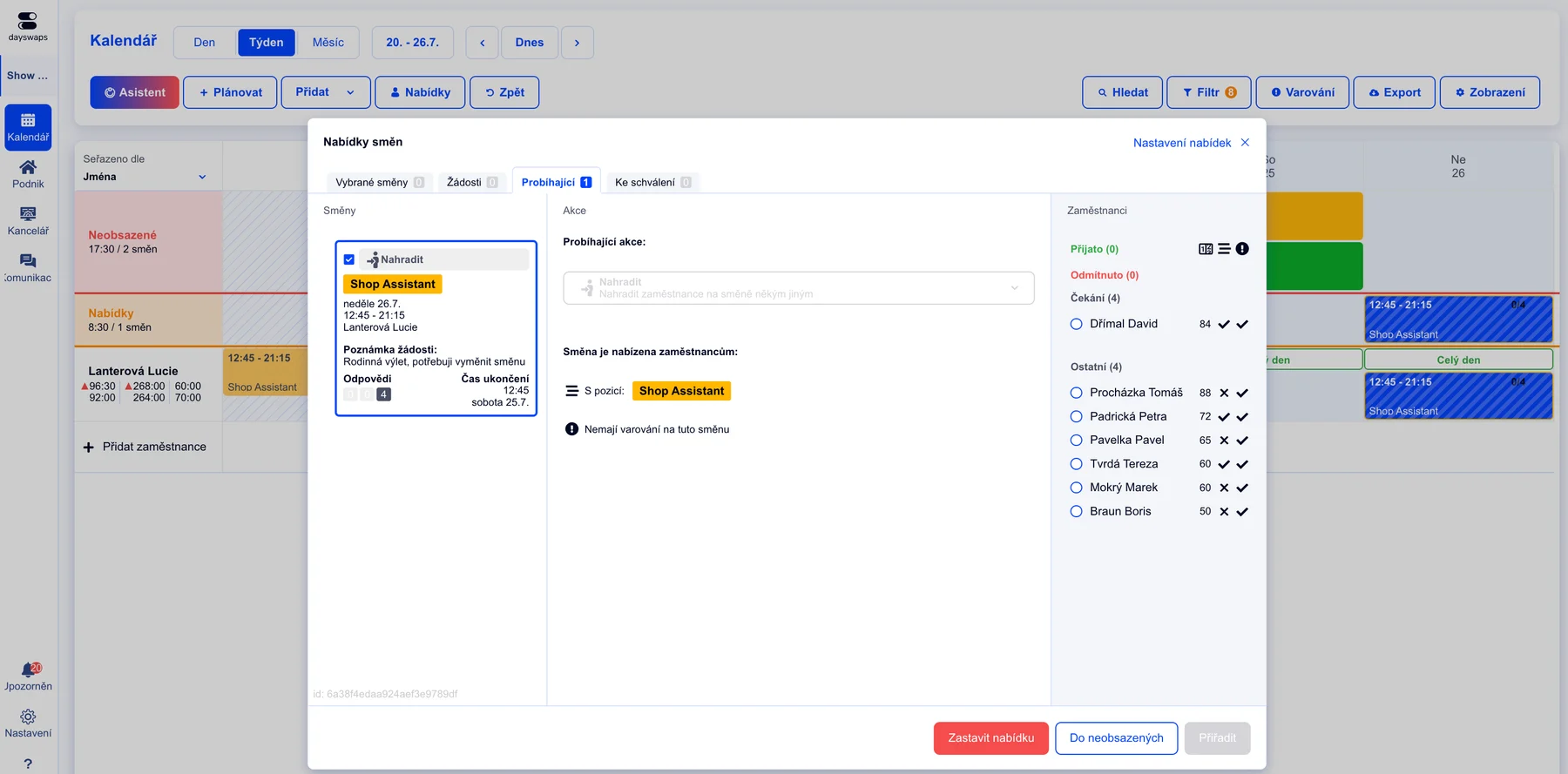
Let them sort it out among themselves
Employees can offer and pick up each other's shifts — you just get an overview of who arranged what with whom.
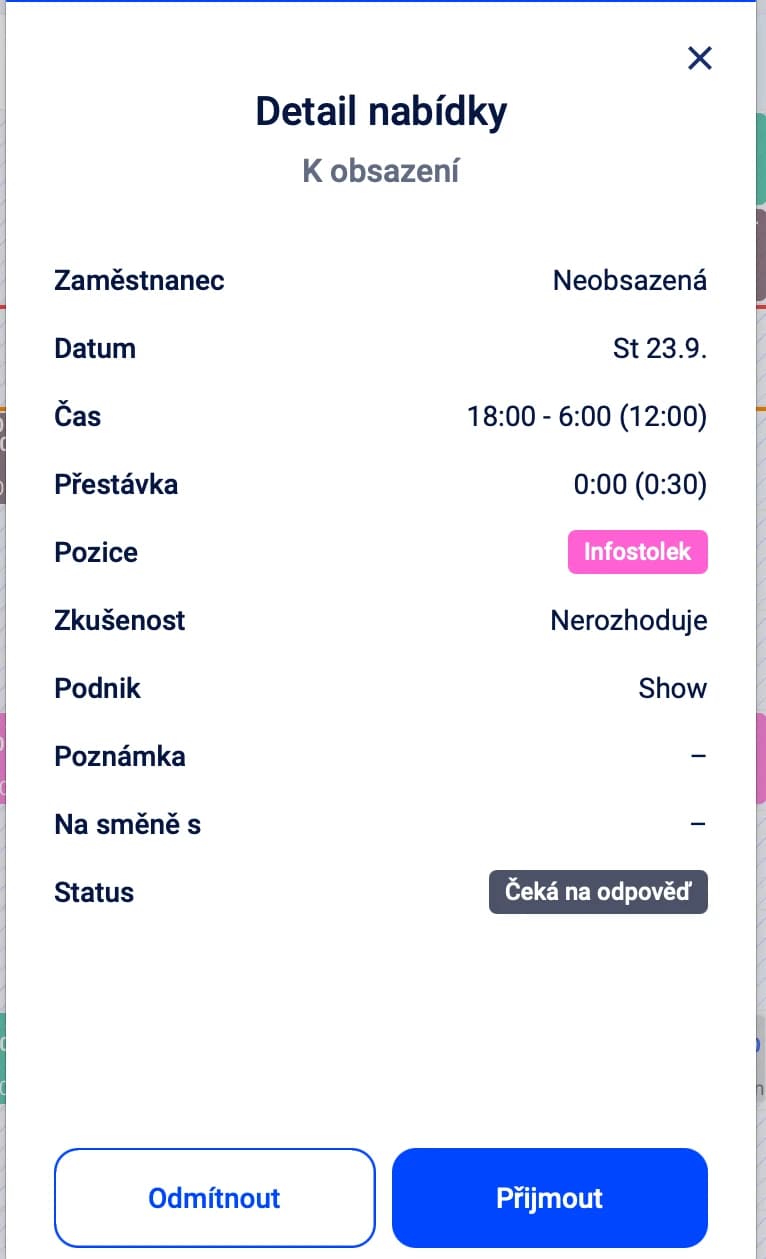
Swap a shift with a colleague on the phone
Can't make a shift? Swap it with a colleague right in the app, you just confirm it.
"Dayswaps freed our hands with shift assignment. Our employees choose for themselves when and at which location they want to work. They can even swap shifts on their own, and we no longer have to keep track of who is or isn't available."
Tomáš Kadlec
Thomas Williams Bakery
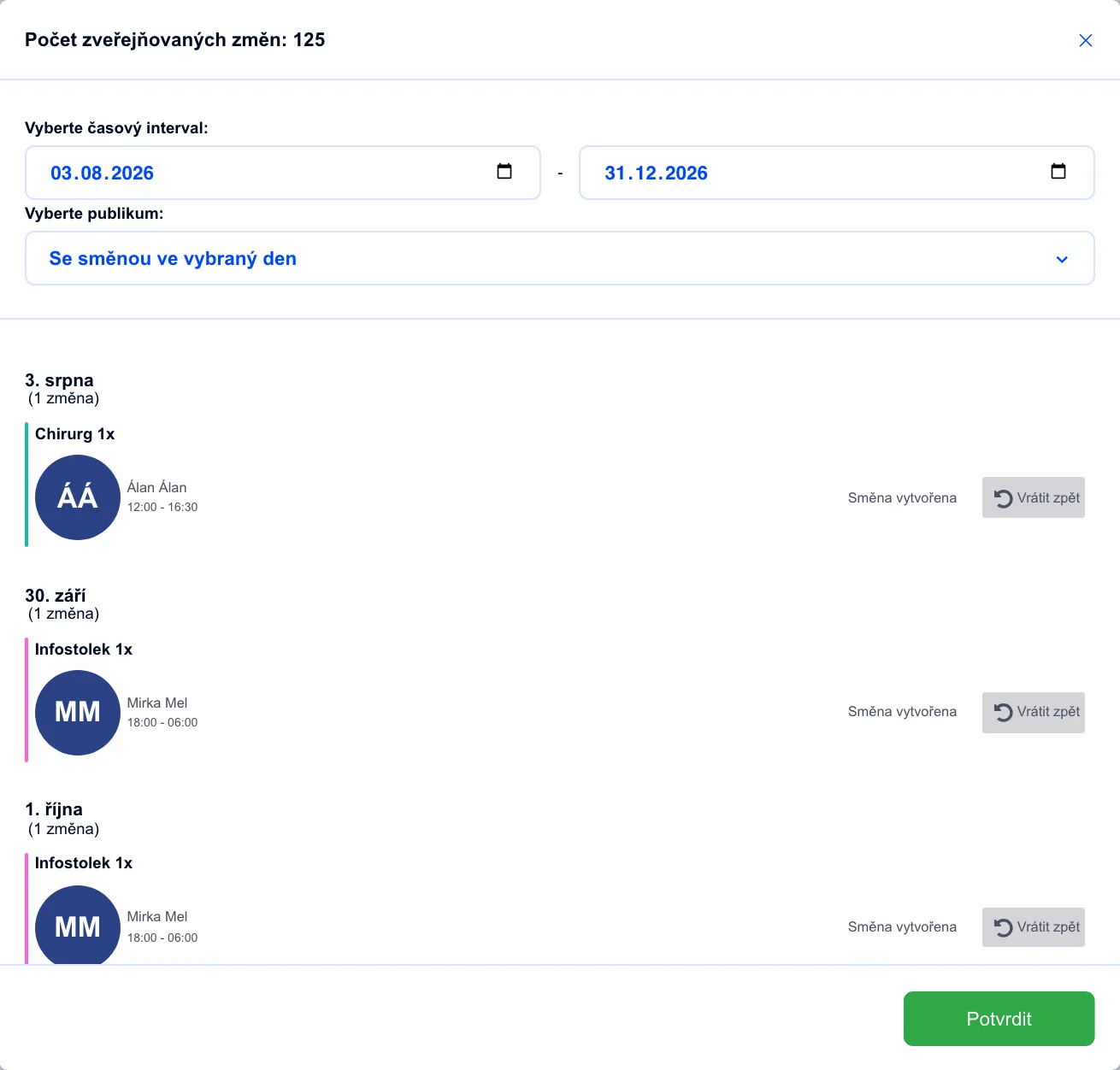
You have the final word
No swap or offer changes the schedule until you confirm it as manager.
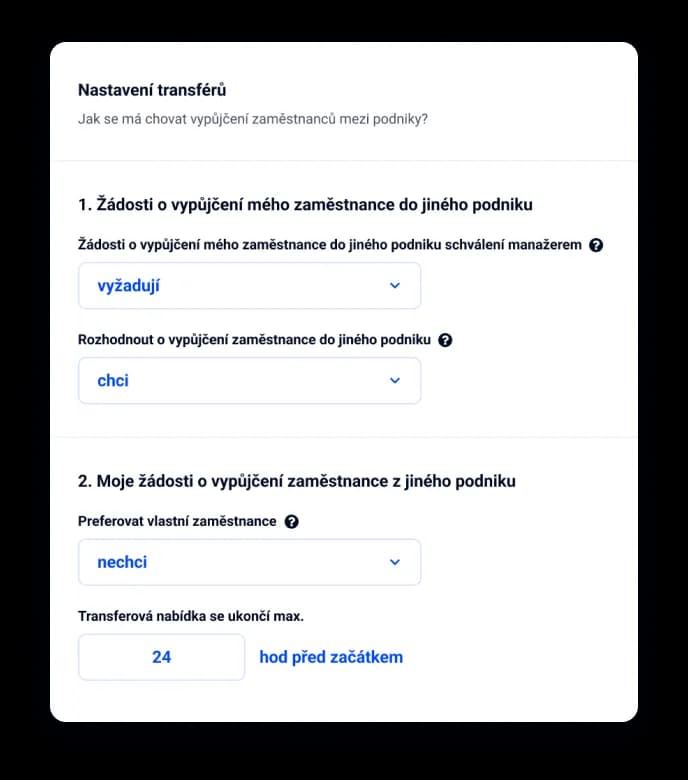
Borrow a colleague from another branch
Short-staffed? Send an employee from another branch to help — the system tracks the bonus and who lent whom to whom.
Yes. Every offer shows a named list of who accepted, declined or hasn't responded yet, so you stay on top of it without ringing around.
Your call. Either first-come-first-served applies, or you pick the most suitable candidate from the applicants yourself.
They arrange the swap themselves in the mobile app. Whether it needs your approval is up to your approval process settings.
Yes. Colleagues from another location can help out, the system calculates cross-branch bonuses, and you'll find the loan overview in one place.
Employees get a push notification in the mobile app and also see the offer in their shift overview.
Yes. Send the offer to everyone in the business, or set your own audience — say only people with the right position.
Join more than 100 companies that plan their shifts with Dayswaps.
Free for 14 days, no credit card required.