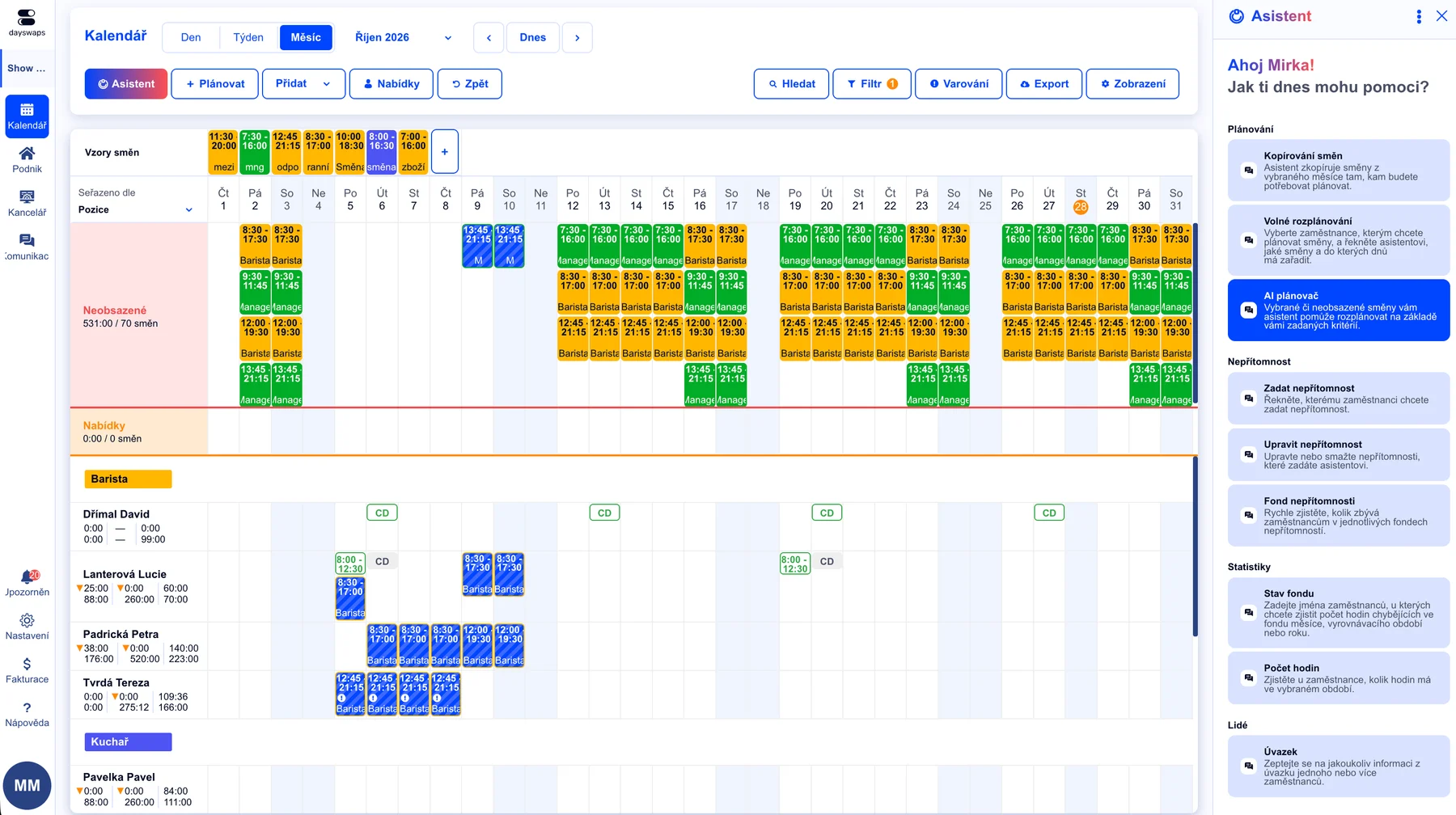
It creates and reworks shifts, books and approves time off, calculates overtime, draws a chart and builds exports. You write what you need in a plain sentence — the assistant describes what it will do and waits for your confirmation.
We've got a plan for your shifts! Just like for 100+ other companies








No hunting for buttons — just ask
A plain sentence instead of clicking through menus. For the things you only do once a quarter, you no longer need to remember the steps — just describe what you need.
It doesn't just answer, it acts
The assistant writes straight into the schedule: creates shifts, rewrites time off, approves a request, puts a shift up for grabs. This is not a chatbot that points you to a help article.
It answers with a chart or a file
Numbers get drawn as a chart right inside the conversation. And when you ask for a report that doesn't exist in Dayswaps, it builds one to your description and hands you the download.
The AI Assistant is a conversational way to operate Dayswaps. It sits in the app's scheduling panel and understands plain language: it creates and reworks shifts, books time off and availability, approves requests, manages employees and contracts, calculates statistics and builds exports. It also knows the help centre, so it can answer “how do I do this” and link the article.
It creates assigned and open shifts, moves them, retimes them, reassigns them to someone else or deletes them. It copies a day onto other days and a whole month onto the next, applies a day template and fills the gaps with the Auto-Planner. It can publish the schedule and discard draft changes too. Before any such write it describes what it is about to do and waits for confirmation.
No. Before writing it describes who and what the change affects and how many items it touches, then waits for confirmation — always when deleting or reverting. It never publishes the schedule on its own, so until you publish, your team sees no change at all. And it never acts unprompted: it only responds to what you write.
Four conversations that happen in Dayswaps every week.
Copy last week onto next week and fill the open shifts.
I'll copy 42 shifts from 4–10 Aug onto 11–17 Aug and fill the remaining 6 open ones with the Auto-Planner using your rules. Shall I go ahead?
Give Petr Novák leave from the 15th to the end of the month.
I've booked leave from 15 to 31 Aug. It clashes with 4 planned shifts — what would you like to do with them?
Show me the team's overtime for July.
For July I have 68 hours of overtime across 9 people. The Chodov site has the most.
Build me hours worked by position for the last quarter.
Done. I've put together a Q2 report broken down by position and month.
You ask
Who is on shift tomorrow, who is short of contracted hours, who is running over, how much leave someone has left, when the public holidays fall. Also how a particular thing is done in Dayswaps — it finds the answer in the help centre and links the article.
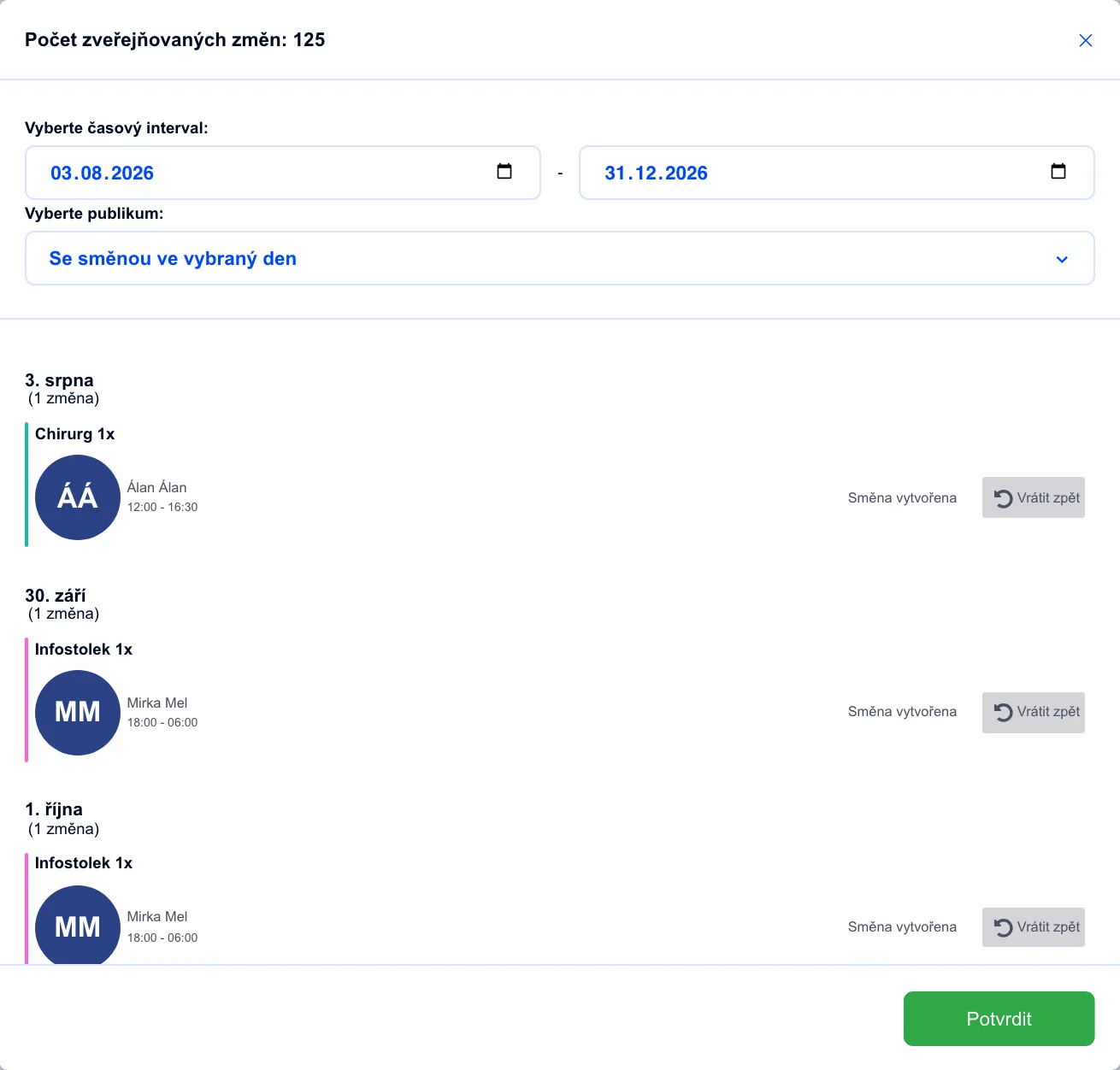
You change
Shifts, time off, availability, open shifts and swaps, employees and their contracts and positions. Book time off across a planned shift and the assistant lists the clash for you unprompted.
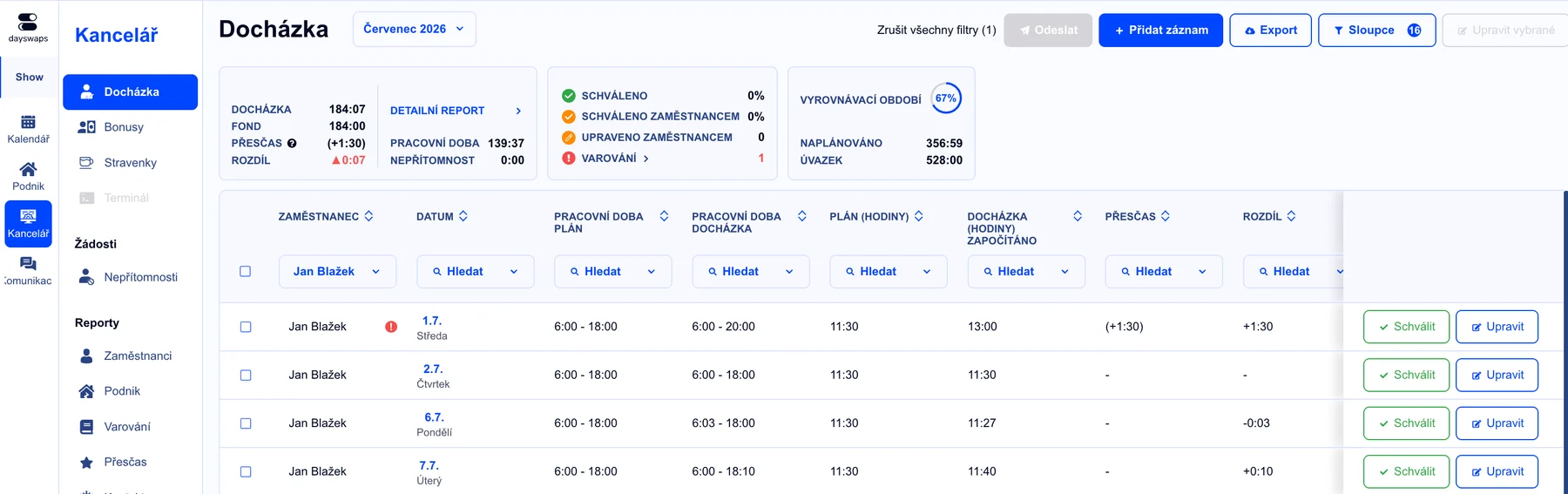
You calculate
Team overtime, contract fulfilment, leave funds, balancing periods and one person's statistics. Numbers get drawn as a bar, line or pie chart right inside the conversation.
"I no longer have to search for information across text messages, e-mail and Facebook. With Dayswaps I have everything in one place, saving me both time and nerves."
Juraj Balogh
Creditcall
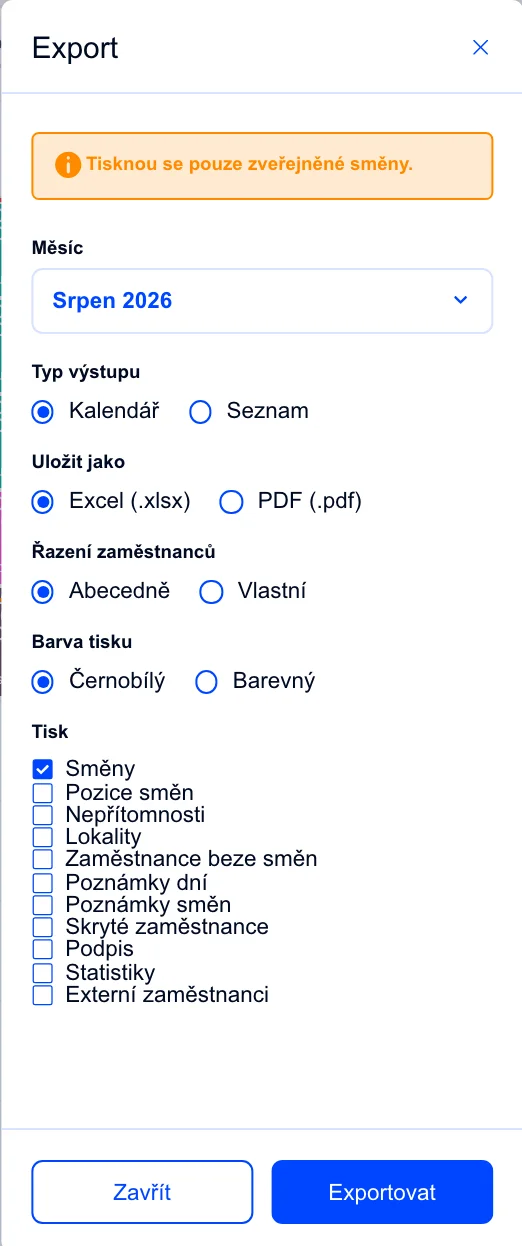
You export
The roster to Excel or PDF, the monthly payroll base, an iCal feed. Plus any report you describe in your own words — the assistant builds it and hands you the download.
AI + human
The assistant has full write access to the schedule — which is exactly why the whole thing is built so a human always has the last word.
It tells you what's coming
Before writing, it describes who and what the change affects and how many items it touches. Only then does it wait for your confirmation.
It never publishes on its own
Changes stay in draft until you publish them. Until then your team sees nothing — and one sentence rolls them back.
It never acts unprompted
The assistant runs nothing in the background and takes no initiative of its own. It responds only to what you write.
The employee side of Dayswaps has its own assistant, on mobile and in the browser. Employees ask it about their shifts and their numbers and handle everyday things themselves, so they stop coming to you with them.
The employee assistant also has everything it sends to a manager confirmed first.
Mobile app for employeesShow me my shifts and who's on with me
I'd like leave from Monday — and how much do I have left?
Confirming the shift happened, just fix the start to 7:15
How many hours have I worked and where am I in the balancing period?
A manager's whole agenda: it creates and reworks shifts, copies a day or a whole month, fills staffing with the Auto-Planner, books and approves time off, manages availability, puts shifts up for grabs and settles swaps, creates employees and edits contracts and positions. On top of that it calculates statistics, draws charts and builds exports. It will also answer how something is done in Dayswaps.
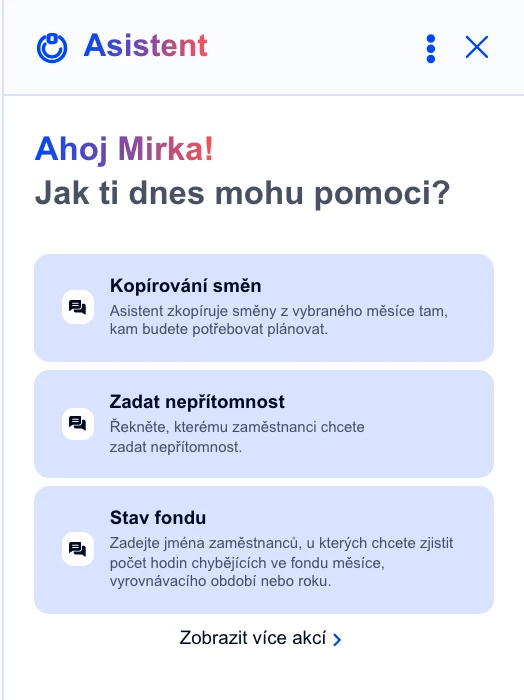
No. You write a plain sentence, the way you'd ask a colleague. When the assistant doesn't understand or is missing a detail, it asks a follow-up question instead of guessing. The panel also offers ready-made opening prompts to start from.
It first describes what it is about to do — who it affects, which days and how many items — and waits for confirmation. When deleting or reverting draft changes it always asks. It also never publishes the schedule itself: until you publish, your team sees no change.
Yes. Drop a photo of a paper roster, a screenshot, a spreadsheet, a CSV, a PDF or a Word file into the conversation and the assistant pulls the data out. It's most useful when moving off Excel and when collecting rosters from site managers.
A report you describe in your own words — say hours worked by position for the last quarter. Dayswaps has the standard exports ready (roster, attendance, payroll base, iCal); a custom export covers the cases that would otherwise mean hand-building a pivot table.
All of them — they differ only in how many conversations each site gets and whether custom exports are available. You'll find the exact numbers on the pricing page, and conversations beyond your plan can be topped up with credit inside the app.
Yes, the employee side has its own assistant. Employees use it to check their shifts and numbers, request leave, set availability, confirm a worked shift or send a correction request, and respond to an open shift.
Join more than 100 companies that plan their shifts with Dayswaps.
Free for 14 days, no credit card required.