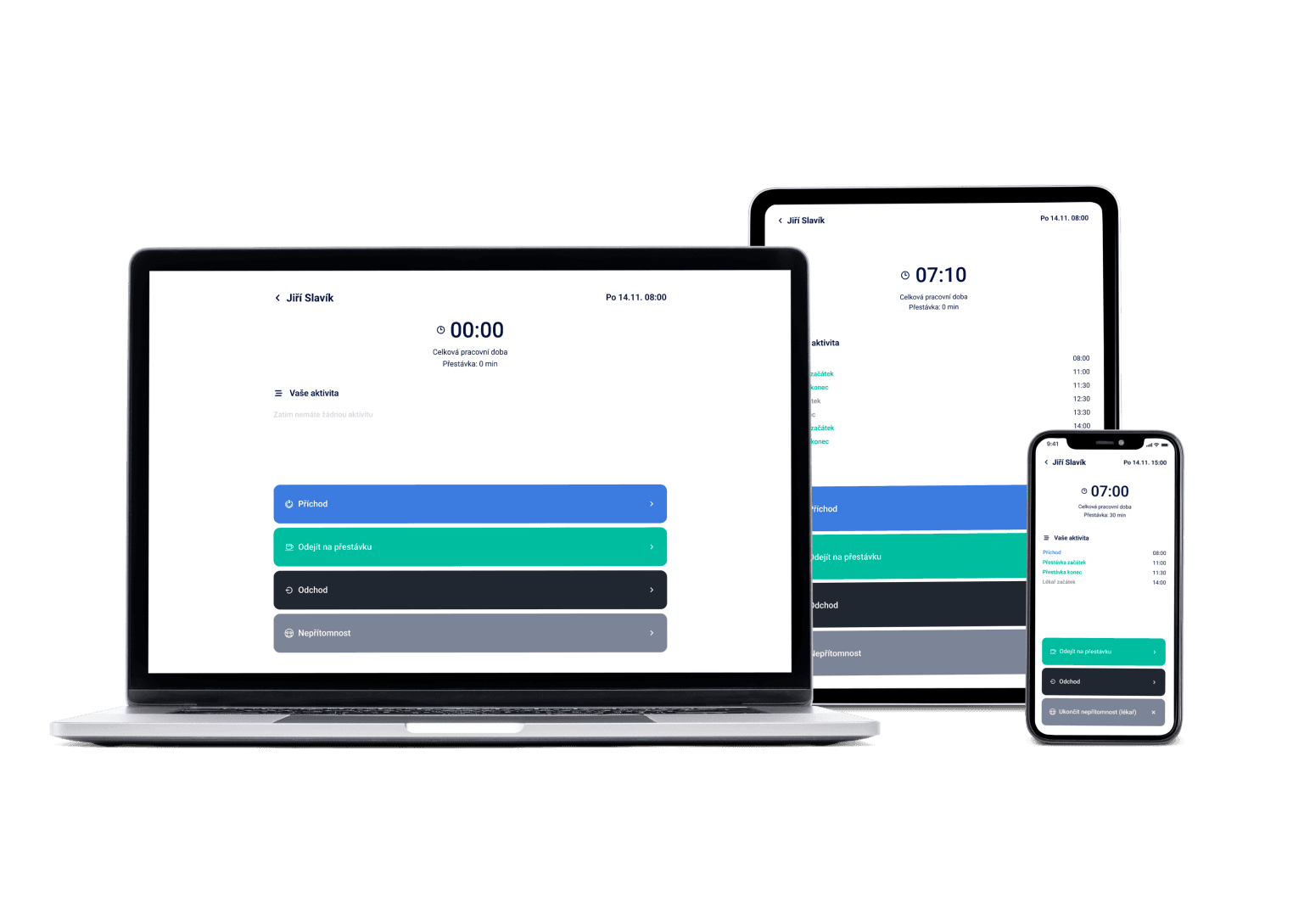
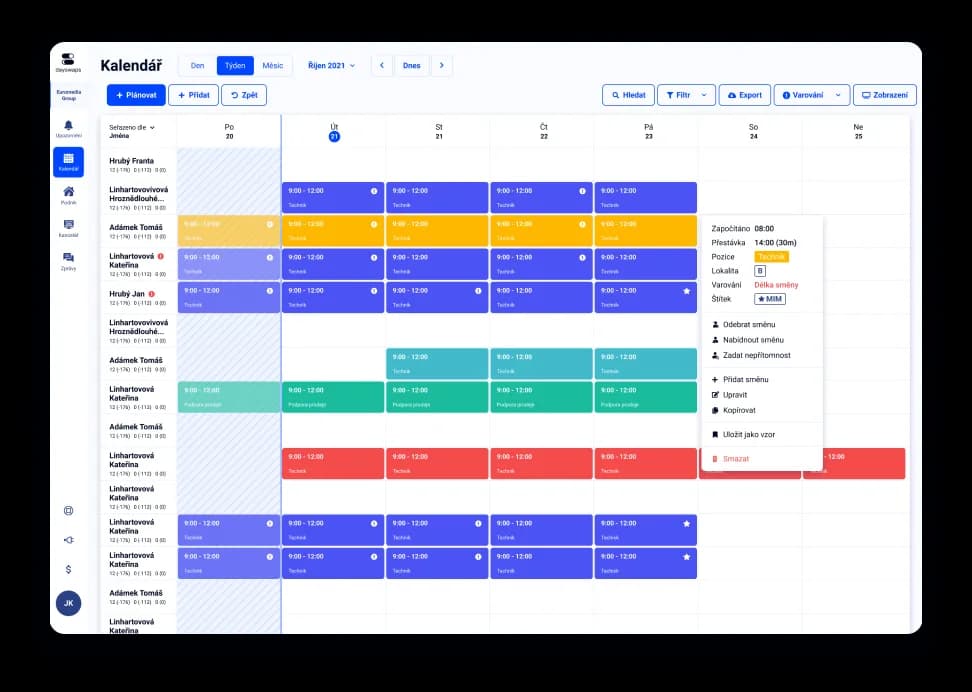
A full-time cook, a server on shifts, a part-timer just for weekends — three different rhythms, one rota. Dayswaps schedules every position in the restaurant at once, suggests the legally required break for a long evening shift on its own, and keeps track of how many hours a part-time student is allowed to work.
We've got a plan for your shifts! Just like for 100+ other companies







Tasks, right on the shift
Assign tasks (stocktaking, prepping for the evening shift) directly to a shift, and the employee sees them alongside the rota. Kitchen-and-floor tasks in a restaurant often get scribbled on a note on the board — this replaces that with one place.
Fill an open shift however you want
Post an open shift as a first-come-first-served offer, or hand-pick who gets it. Weekend rushes in food service need a fast fix for a gap, not a long back-and-forth.
We watch part-timers too, not just full-time staff
Hour limits for short-term contracts are tracked automatically. Restaurants routinely mix a core team with students on part-time contracts at weekends.
Shift scheduling for a restaurant means bringing separate positions (kitchen, floor, bar) into one rota, planning around part-timers for weekend rushes, and keeping the legally required breaks on long shifts — not just writing hours on a board.
The Basic plan works out at €1.54 per user a month with the discount on annual billing, with the AI assistant included from the first cent. For a restaurant with several positions (kitchen, floor, bar) we'd recommend the Complete plan — we'll work out a price tailored to you at the demo.
AI + Human
“Pull the offer for Saturday service.” The assistant cancels the offer without touching the shift itself. You fill it yourself, when you know who from the kitchen can step in — the shift stays in the schedule, the team just stops competing for it.
From the Complete plan up you can also ask for a custom report to download — “How many weekend hours did each employee work last quarter?” — and the file arrives right in the reply.
The AI Assistant is part of every plan.
See everything the AI Assistant can do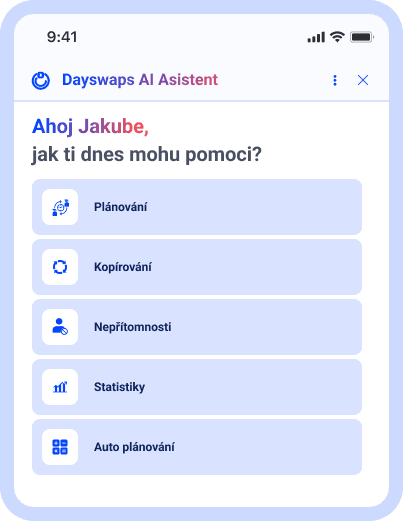
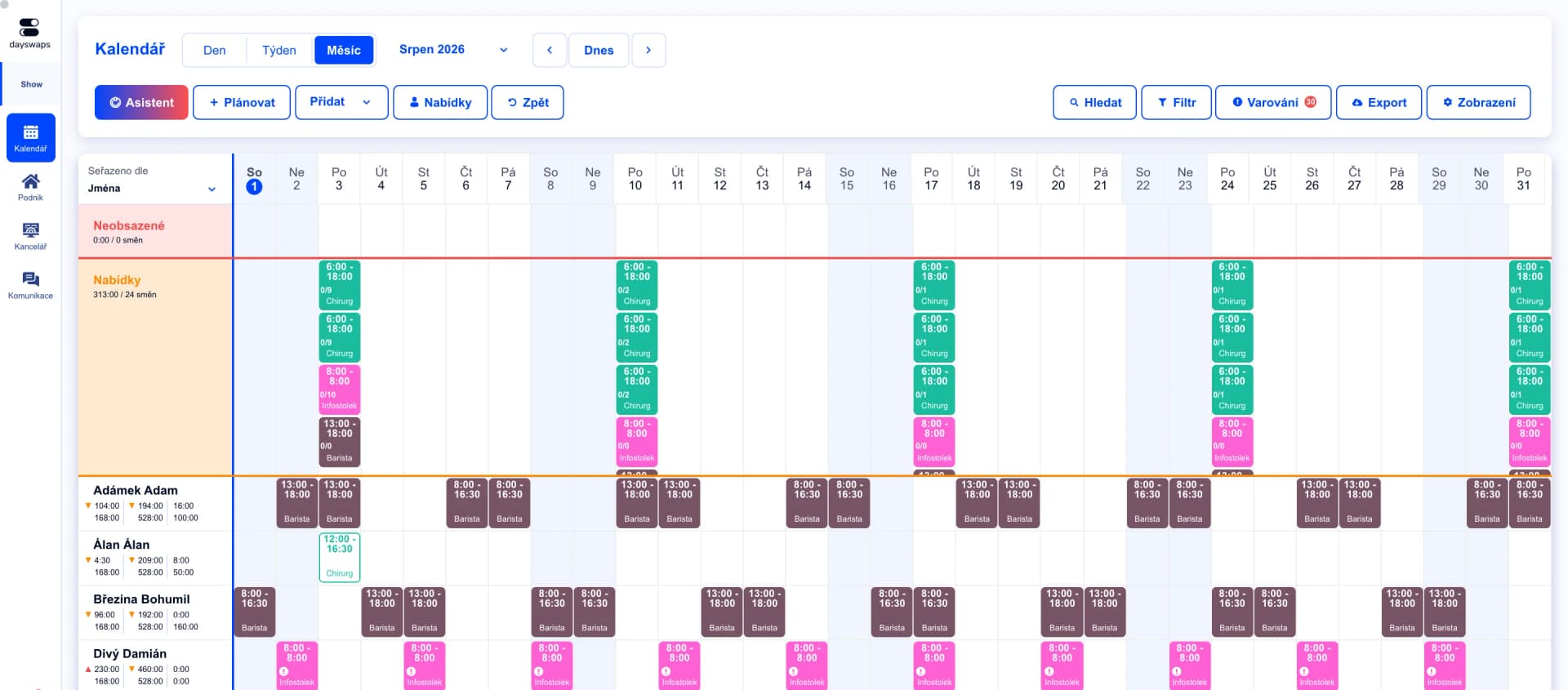
Separate positions, one rota
Kitchen and floor each get their own shift templates within a single rota.
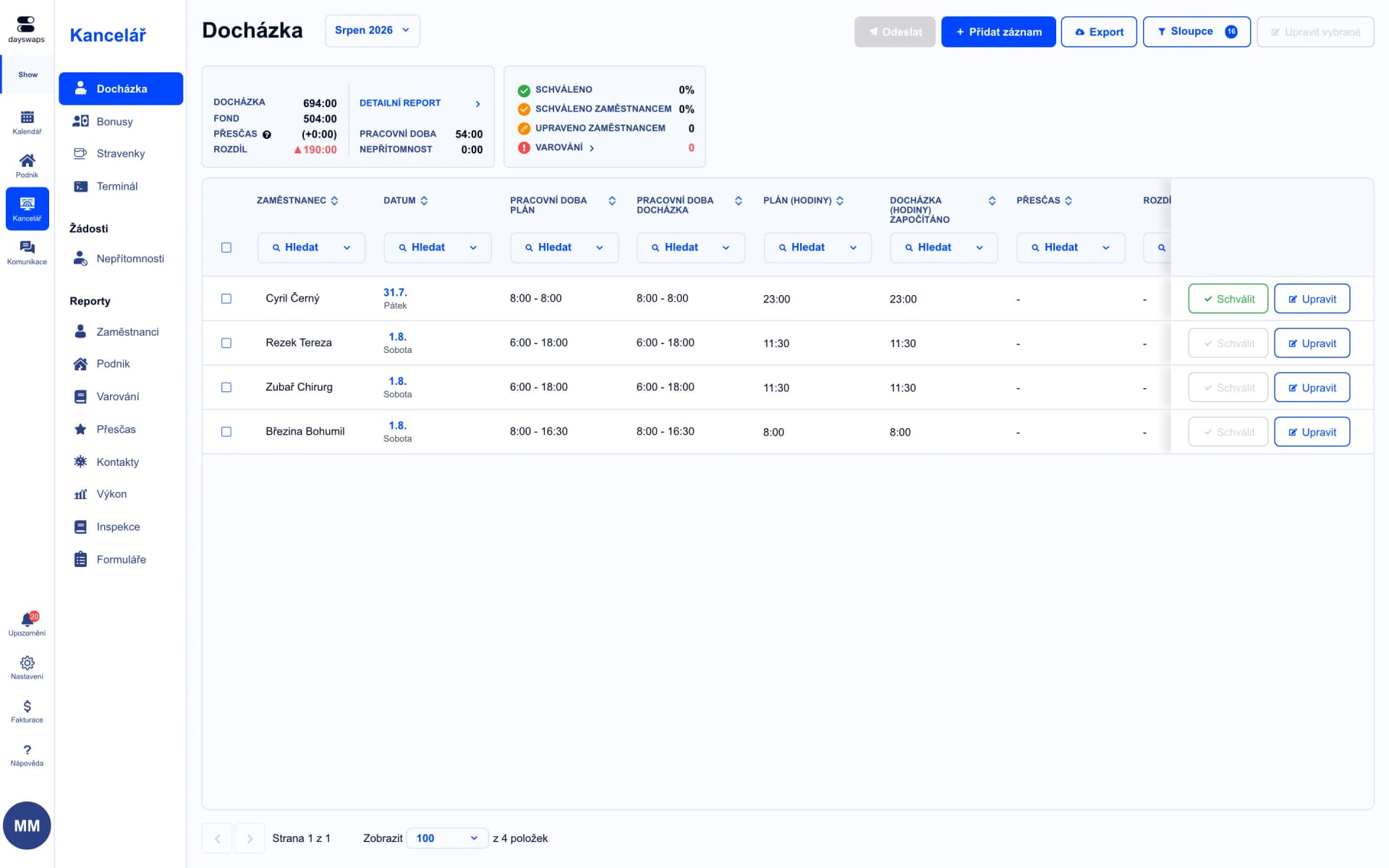
Payroll data without retyping
Attendance exports straight into KS Portál, Pamica, Helios, HH or MRP.
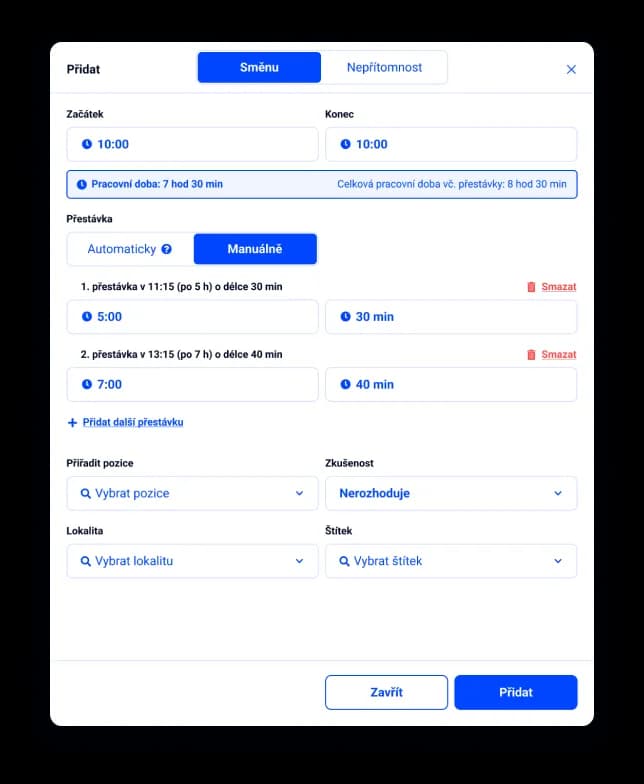
The legal break, automatically
The system suggests a break based on hours worked, even on a long evening shift.
Restaurants and bistros of every size use Dayswaps — from Puzzle Salads and Bouda Burgers to Tymián bistro.
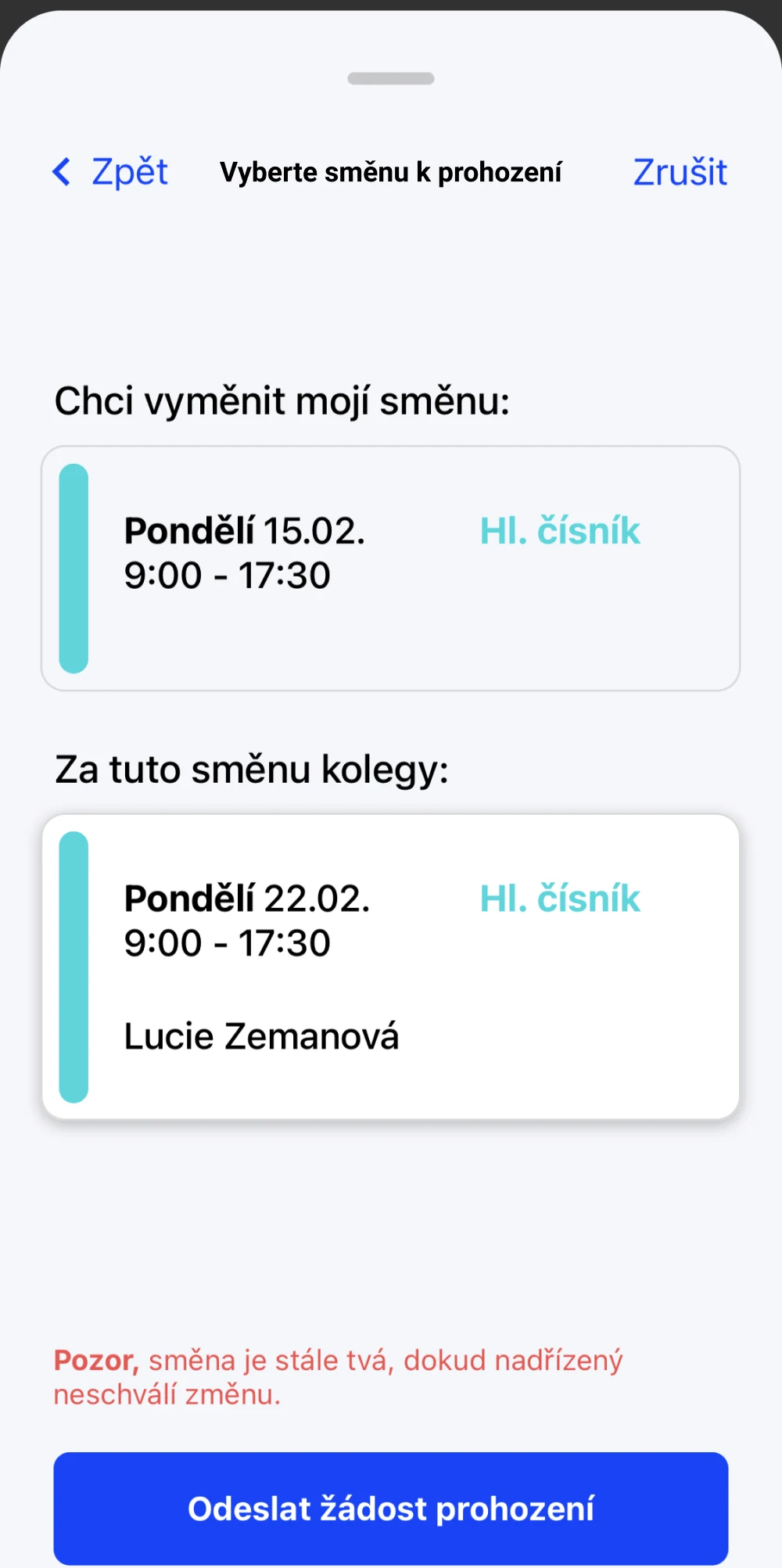
Swap a shift from your phone
Can't make a weekend shift? Sort out a swap right from your phone — the manager just confirms it.
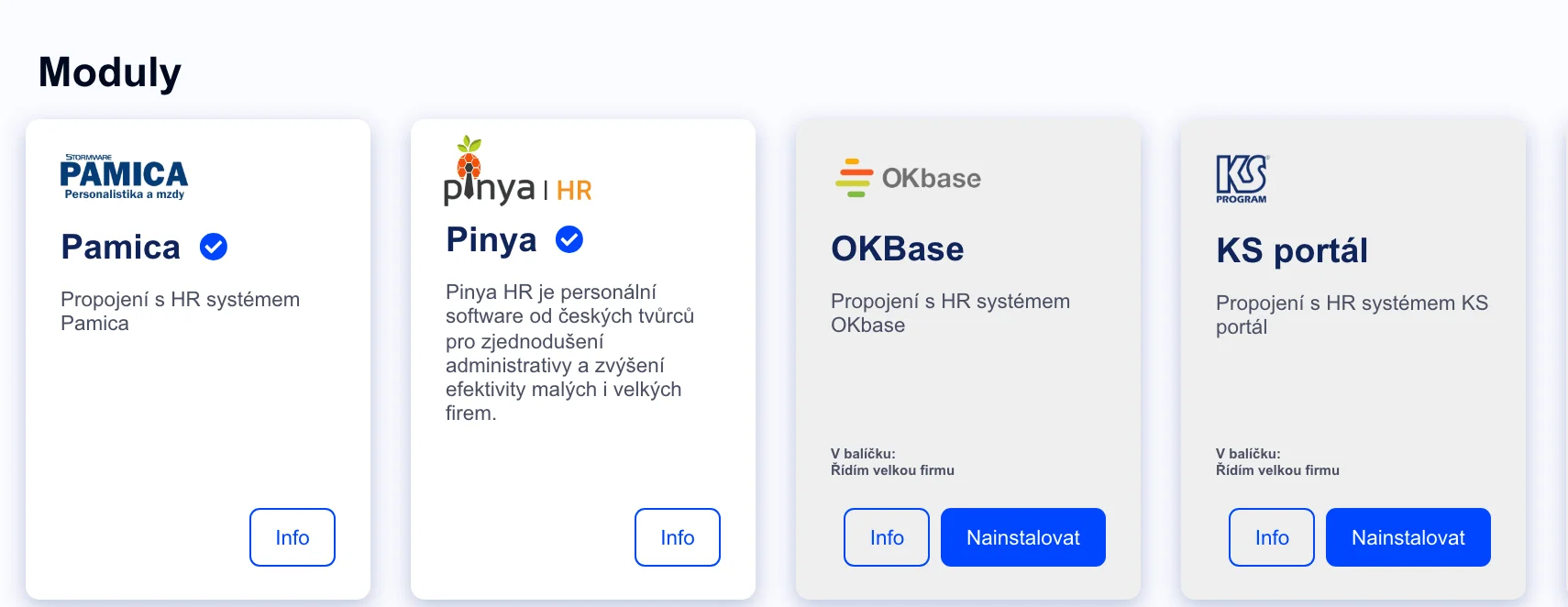
Connected to your payroll system
Attendance flows straight into KS Portál, Pamica, Helios, HH or MRP — no manual retyping.
Yes, each position has its own template and staffing is planned separately.
Through availability and the shift exchange — a part-timer enters when they can work, and you schedule around that.
Yes, automatically, according to labor law.
Join more than 100 companies that plan their shifts with Dayswaps.
Free for 14 days, no credit card required.